
Best Dining Menu Software for Senior Living Communities
The best senior living menu software takes the menu data your dining team already manages and shows it clearly to residents, families, and staff: online, on a phone, on dining room screens, and on labels at the station. It should make allergen and nutrition details easy to find, let staff change a menu in seconds, and work the same way in every community you run. This guide explains what to look for.
What Is Senior Living Menu Software?
Senior living menu software is the resident-facing layer of a dining program. It does not plan menus or cost recipes. It pulls menus, nutrition, and allergen data from the menu management system your team already uses and displays it wherever people decide what to eat. In a community, that usually means online and mobile menus, screens in the dining room or bistro, and labels on the serving line.
Why Does It Matter in Senior Living Dining?
Dining is one of the parts of community life residents care about most, and one of the first things families ask about on a tour. Residents want to know what is for dinner before they walk down. Many follow a diet for their health or avoid certain foods, so they need more than a dish name. Adult children want to check from another city that their parent has good choices.
A printed weekly menu cannot do all of that. It goes out of date the moment the kitchen makes a substitution, and it rarely shows ingredients or allergens. We covered the wider cost of that approach in why manual menu updates are costing you time and money.
What Should Senior Living Communities Look for in Menu Software?
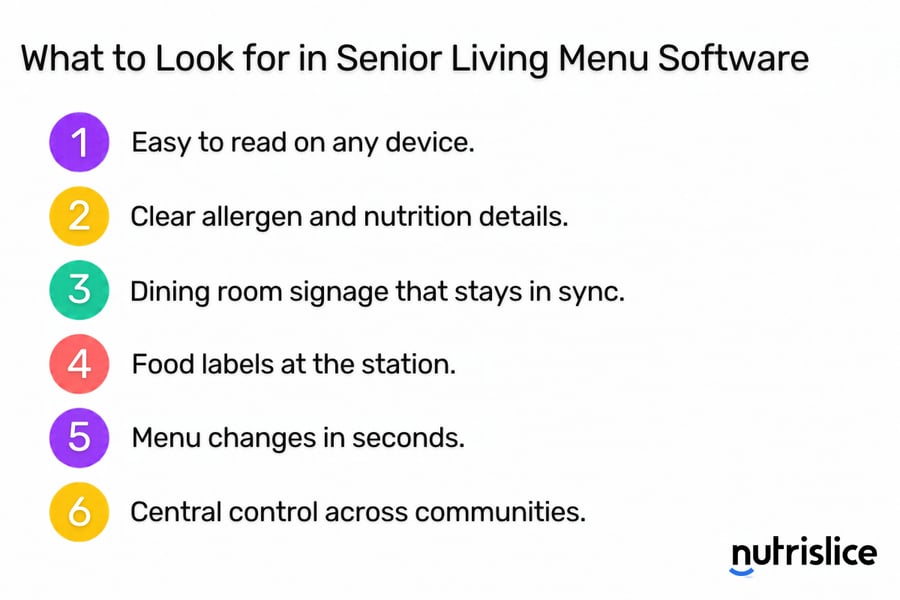
1. Menus Are Easy to Read on Any Device
Residents may use a tablet, a phone, or a computer in the library, and families will look from wherever they are. Menus should load fast, need no login, and be simple to read. Ask which accessibility standard the menus meet. Our post on ADA compliant online menus explains why that matters.
2. Allergen and Nutrition Details Are Clear
A resident watching sodium or avoiding shellfish should be able to see which dishes fit without asking. Look for ingredients, allergens, calories, and nutrition facts on every item, with filters for common diets. The details should be the same online, on screens, and on labels, and they should update when a recipe changes.

3. Dining Room Signage Stays in Sync
Screens at the dining room entrance or in the bistro are often the first place residents look. Foodservice digital signage should read from the same menu data as the online menu and switch by meal period on its own, so no one rebuilds slides before each meal.
4. Food Labels at the Station Match the Menu
On a buffet line, at a salad bar, or in a grab-and-go cooler, the label is the menu. Digital food labels show the item name, allergens, and calories and update from the same data, so staff are not printing and swapping paper cards. See how digital food labels work for the basics.
5. Staff Can Change a Menu in Seconds
Deliveries run short and substitutions happen. A dining manager should be able to make a change once and see it reach the online menu, the screens, and the labels. If a change means editing three places, one of them will be wrong.
6. One Team Can Manage Every Community
If you operate several communities, look for central control of brand and settings, with room for each community to manage its own daily menus. Many communities run on cycle menus, so the software should handle repeating menus well. Our guide to cycle menu software covers that side.
How Do the Common Approaches Compare?
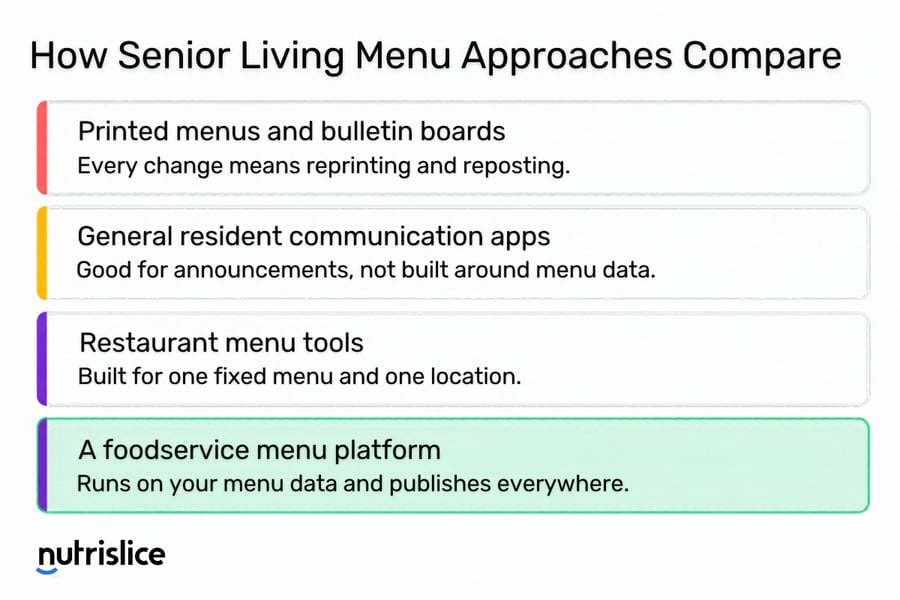
- Printed menus and bulletin boards. Familiar, but every change means reprinting and reposting, and allergen details depend on someone typing them correctly.
- General resident communication apps. Good for announcements and activity calendars, but not built around menu data, meal periods, or allergens.
- Restaurant menu tools. Built for one fixed menu and one location, not for cycle menus across several dining venues.
- A foodservice menu platform. Runs on your existing menu data and publishes it to every channel at once.
Why Do Senior Living Communities Choose Nutrislice?
Nutrislice for senior living brings menus, signage, and labels onto one platform that runs on the menu data you already have. Nutrislice does not replace your menu management system. It pulls from it.
- Nutrislice Essentials publishes online and mobile menus for every dining venue, with allergen and diet filters and nutrition detail.
- Nutrislice Showcase keeps dining room screens in sync with the menu.
- Nutrislice Spotlight puts digital food labels at the station. Our post on the ROI of digital food labels walks through the savings.
- Allergen Intelligence reviews recipes for possible allergen gaps so your team can correct them before residents see them.
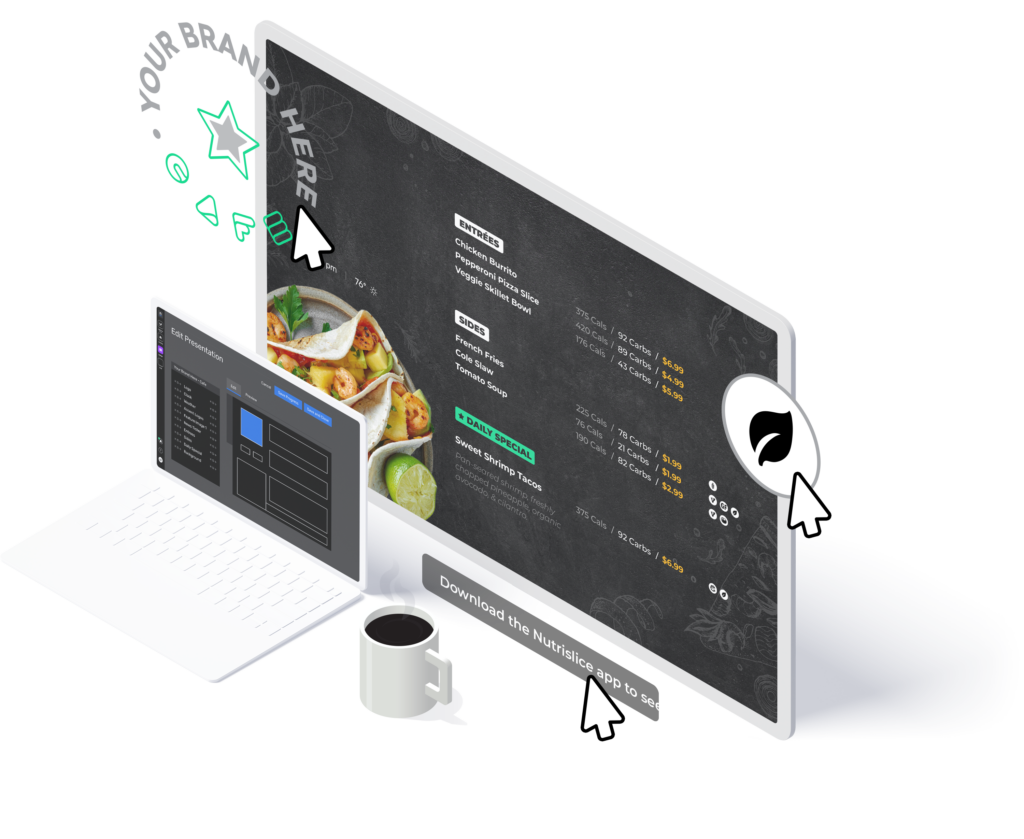
The same platform serves schools, universities, hospitals, and workplaces. For the wider picture, see our buyer's guide to digital menu software for noncommercial foodservice.
FAQ: Senior Living Menu Software
What is the best menu software for senior living communities?
The best senior living menu software connects to your menu management system and publishes accurate menus, allergens, and nutrition information to online menus, dining room screens, and food labels in every community. Nutrislice is built for this kind of foodservice.
Do we have to replace our menu management system?
No. Nutrislice does not do menu management. It pulls menu data from the system your team already uses and displays it for residents, families, and staff.
Can families see the menu from home?
Yes. Online menus can be opened from any phone or computer, so family members can see what is being served and check ingredients and allergens.
Can one team manage menus for several communities?
Yes. Nutrislice can be scaled across all of your locations, with central controls for the organization and day-to-day menu management at each community.
Bottom Line: Give Residents Menus They Can Trust
The right senior living menu software keeps food information accurate from your kitchen system to a resident's tablet, the dining room screen, and the label on the line. Use the six points above to compare your options. When you are ready to see them in practice, request a Nutrislice demo.