
Best Campus Dining Menu Software: 9 Requirements Universities Should Evaluate
The best campus dining menu software takes the menu data your team already manages and publishes it accurately everywhere students look: the dining website, a mobile app, digital signage, and food labels. It should show allergens and nutrition clearly, support order-ahead, and let staff make changes in seconds. This guide covers the nine requirements universities should evaluate before they choose.
What Is Campus Dining Menu Software?
Campus dining menu software is the customer-facing layer of a university dining program. It is different from the back-of-house menu management system where recipes, production, and purchasing live. Menu software pulls data from that system and turns it into online menus, mobile menus, menu boards, and labels that students, faculty, and visitors actually use.
That difference matters when you compare vendors. You are not replacing your menu management system. You are choosing how its data reaches your campus.
Why Does the Choice Matter for University Dining?
Students decide where to eat on their phones, often minutes before a meal. They expect to see what is being served, what is in it, and whether it fits their diet. Our research on menu transparency in higher ed and on what college students want from digital dining found that clear food information shapes how students judge the whole dining program. When menus are static PDFs or out of date, dining teams field more questions, and students look off campus.
What Are the 9 Requirements for Campus Dining Menu Software?
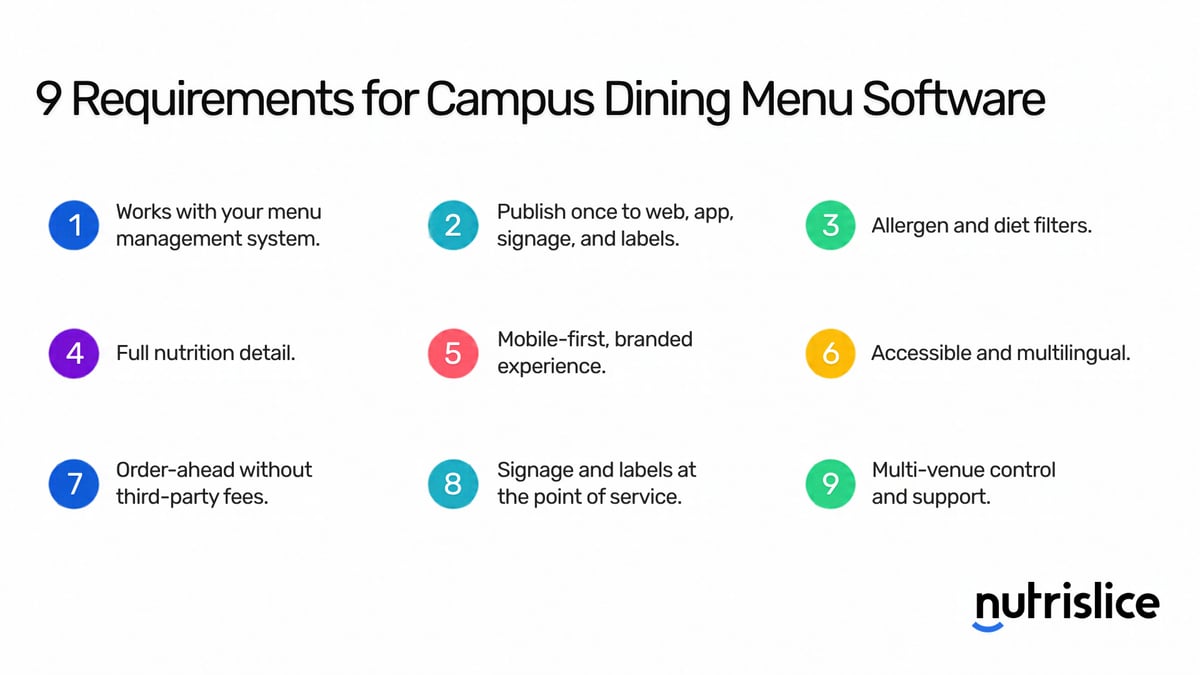
1. It Works With Your Menu Management System
Your recipes, ingredients, and nutrition data already live in a menu management system such as Illumia (formerly CBORD), JAMIX, or FoodPro. The menu software should pull from that system automatically, with no retyping and no extra steps for the people who build menus. Ask each vendor which systems they integrate with today and how often data syncs.
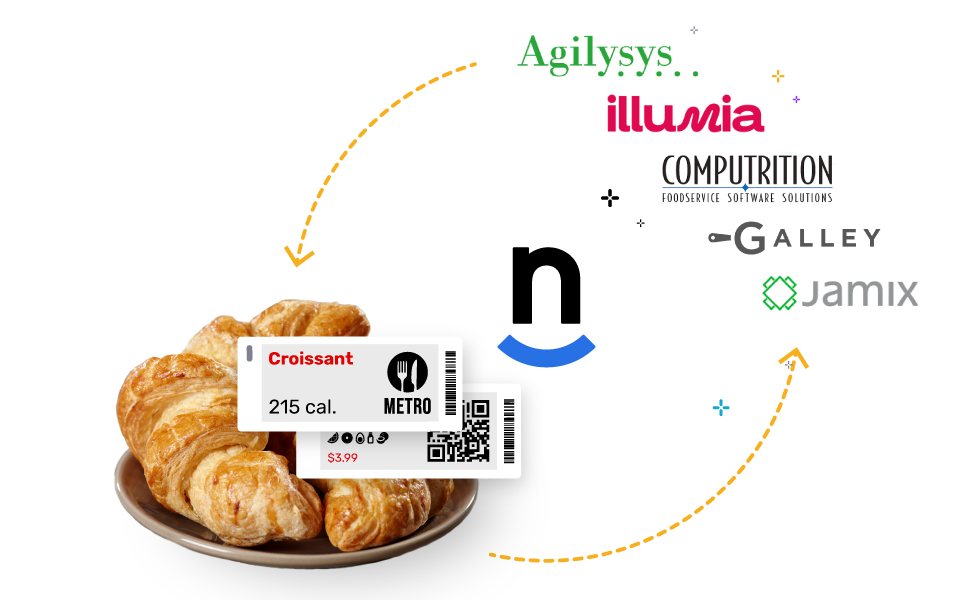
2. You Publish Once and It Updates Everywhere
A menu change should reach the website, the app, the menu boards, and the labels at the same time. If each channel has its own tool, each one becomes a place for errors. We broke down that cost in why manual menu updates are costing you time and money.
3. Students Can Filter by Allergen and Diet
Listing allergens is the minimum. Students should be able to filter a menu by allergen or diet and see right away which dishes fit. The information has to come from your menu data, so it stays correct when a recipe changes.
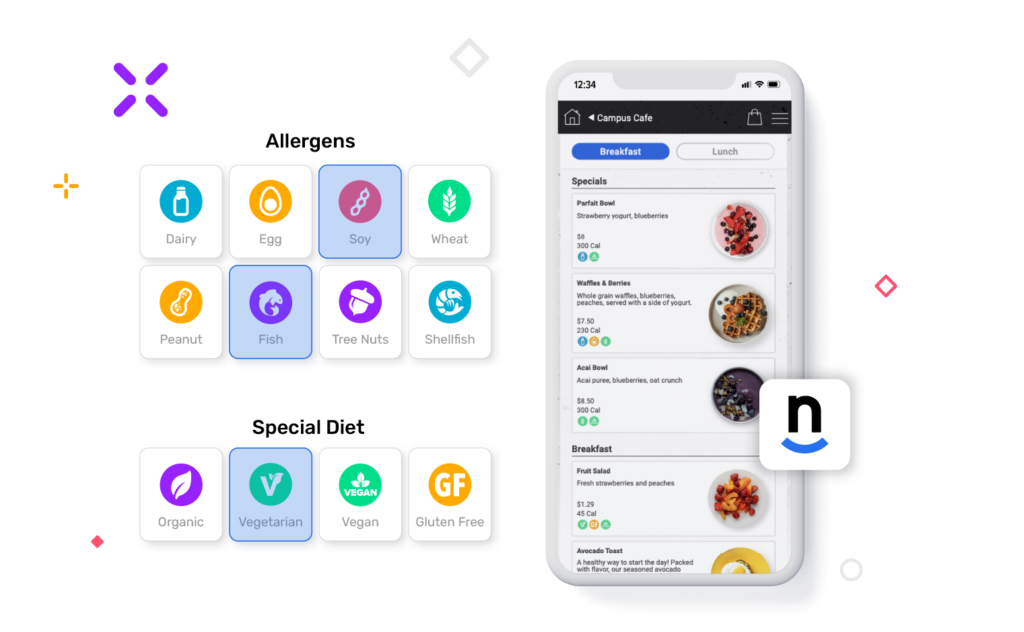
4. It Shows Full Nutrition Detail
Calories alone are not enough for athletes, students managing a health condition, or anyone tracking what they eat. Look for full nutrition facts and ingredients on every item, and a way for students to add up a meal.
5. The Experience Is Mobile-First and Carries Your Brand
Most students will only ever see your menus on a phone. Online and mobile menus should load fast, cover every venue on campus, and look like your dining program, not like a vendor template.
6. It Is Accessible and Multilingual
Public universities face clear accessibility requirements for web content and mobile apps, and every campus serves students who read in different languages. Ask which accessibility standard the menus meet and how many languages they support. Our post on ADA compliant online menus explains what changed and why accuracy is part of compliance.
7. Order-Ahead Does Not Depend on Third-Party Apps
Third-party delivery apps take a fee and pull students off campus. Order-ahead built into your own menus keeps the sale and the relationship with dining services, shortens lines, and helps kitchens manage volume at peak times.
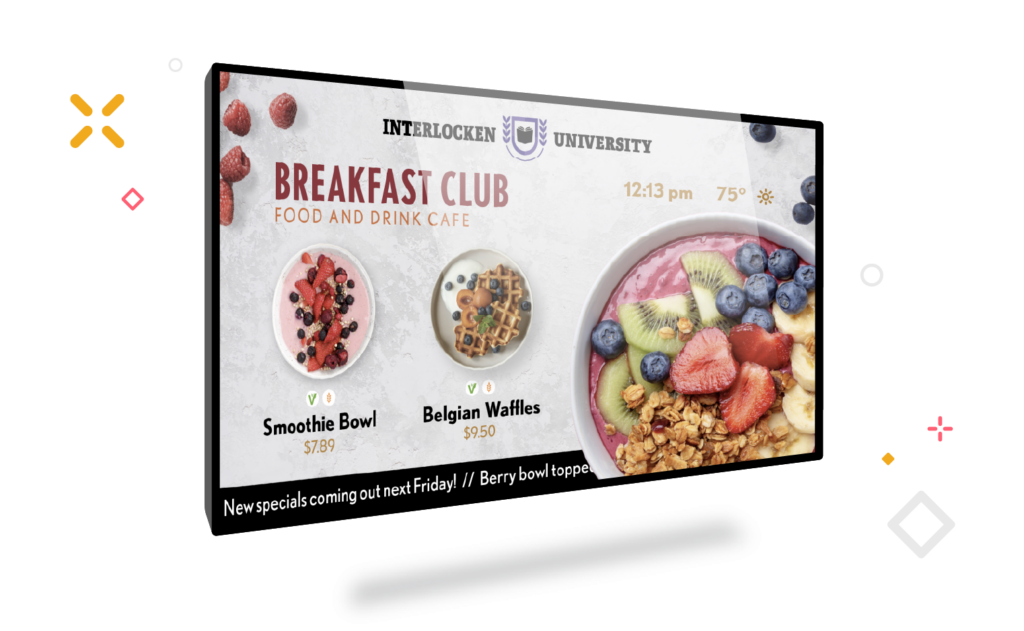
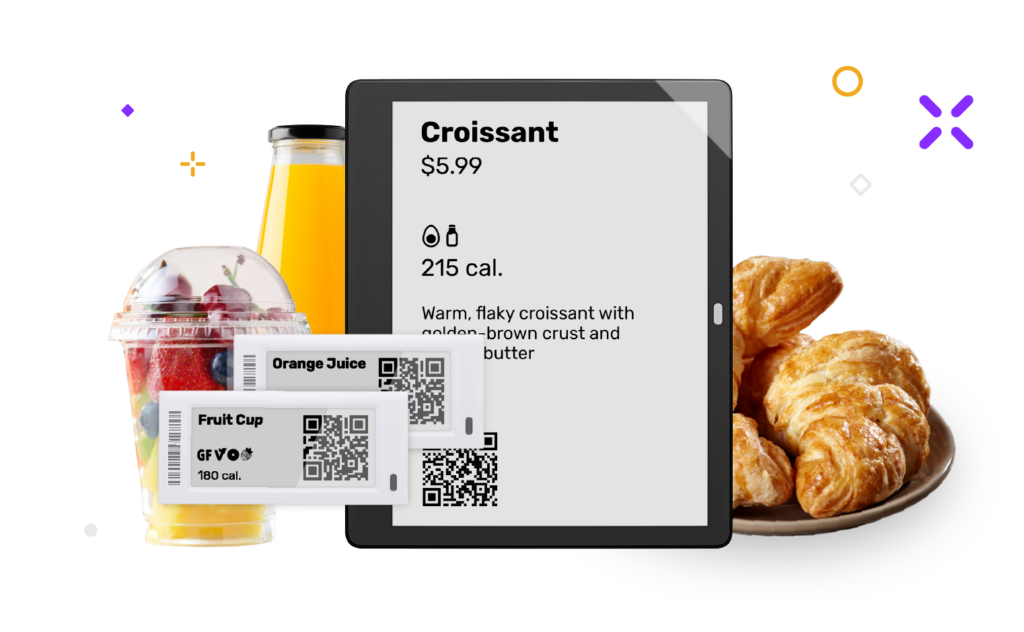
8. Signage and Labels Match the Menu at the Point of Service
Students still make the final choice standing in the servery. Digital signage and digital food labels should run on the same menu data as the website and app, so what is on the screen is what is on the line. More than 70% of students in our survey said menu boards matter to their dining decisions.
9. You Can Manage Every Venue, With Real Support
A campus has residential dining halls, retail cafés, markets, and concessions, each run a little differently. Look for one admin with roles and permissions, shared settings across venues, and a mobile tool for staff to make changes on the floor. Then ask who handles implementation and what support looks like after launch.
How Do the Common Approaches Compare?
- Static PDFs and web pages. Free to start, but out of date the moment a menu changes, hard to read on a phone, and often not accessible.
- The menu screens built into a back-of-house system. Accurate, but designed for operators rather than students, with limited design, mobile, and ordering options.
- A custom-built campus app. Fully yours, but slow and costly to build, and your team owns the upkeep.
- General-purpose signage or restaurant menu tools. Fine for a single screen or a single restaurant, but not built around cycle menus, allergens, or many venues.
- A purpose-built foodservice menu platform. Connects to your menu data, publishes to every channel, and is maintained for you.
Why Do Universities Choose Nutrislice?
Nutrislice for higher education brings menus, ordering, signage, and labels onto one platform that runs on your existing menu data.
- Nutrislice Essentials publishes branded online and mobile menus for every venue, with allergen and diet filters, nutrition detail, and an AI Menu Concierge that answers student questions about what is being served.
- Nutrislice Pro adds order-ahead for pickup, delivery, and dine-in without third-party fees.
- Nutrislice Showcase keeps digital menu boards in sync with the menu.
- Nutrislice Spotlight puts digital food labels at the station.
At Vanderbilt University, Sean Carroll, Senior Director of Marketing and Auxiliary Operations, calls Nutrislice "the gold standard for digital menu displays" and reports fewer allergen questions from guests. You can read how Vanderbilt modernized stadium concessions with Nutrislice digital signage. At the University of Colorado Boulder, the dining team has pointed to order-ahead and to an integration that fits into the system where staff already spend their day.
FAQ: Campus Dining Menu Software
What is the best campus dining menu software?
The best campus dining menu software connects to your menu management system, publishes once to web, mobile, signage, and labels, and gives students clear allergen and nutrition information. Nutrislice is built for exactly that.
Does campus dining menu software replace our menu management system?
No. Nutrislice does not replace your menu management system. It pulls menu data from the system your team already uses and displays it for students.
Can students filter menus by allergen or diet?
Yes. With Nutrislice Essentials, students can filter by allergen and diet and see nutrition details for each item. Dining teams that want an extra check on allergen data can add Allergen Intelligence.
Can one platform handle menus, ordering, and signage?
Yes. Nutrislice runs online menus, mobile ordering, digital signage, and digital food labels from the same menu data, so one update reaches every channel.
Bottom Line: Evaluate the Whole Student Experience
The right campus dining menu software is the one that keeps food information accurate from the kitchen system to the student's phone and the screen above the line. Use the nine requirements above to compare your options. When you are ready to see them in practice, request a Nutrislice demo.