
Best School Menu Apps for Parents: What Districts Should Look For
The best school menu app for parents shows today's menu, allergens, and nutrition in a few taps, in the family's own language, and always matches what is served in the cafeteria. For a district, that means choosing an app that reads from the menu data your nutrition team already maintains. This guide covers what to look for and compares five options districts most often consider.
What Is a School Menu App for Parents?
A school menu app for parents is the phone and web experience families use to see what is for breakfast and lunch at their child's school. The good ones go past a list of entrées. They show photos, ingredients, allergens, and carb counts, and they let a parent filter the menu for a child's needs. Some apps also handle meal payments and free and reduced-price meal applications. Others focus on the menu itself and do it in more depth.
Why Does the Parent Experience Matter to a Nutrition Program?
Parents decide whether a child eats school meals, and they often decide the night before. If the menu is a PDF that is hard to read on a phone, or if it does not answer an allergy question, the easy choice is to pack a lunch. A clear menu builds trust in the program and supports participation, which matters to every district running the National School Lunch Program.
There is also a rules side. Public school districts are covered by the Department of Justice's updated Title II accessibility rule for web content and mobile apps, which we explained in why accessible online menus must stay accurate in 2026. Your menu app is part of that.
What Should Districts Look for in a School Menu App for Parents?
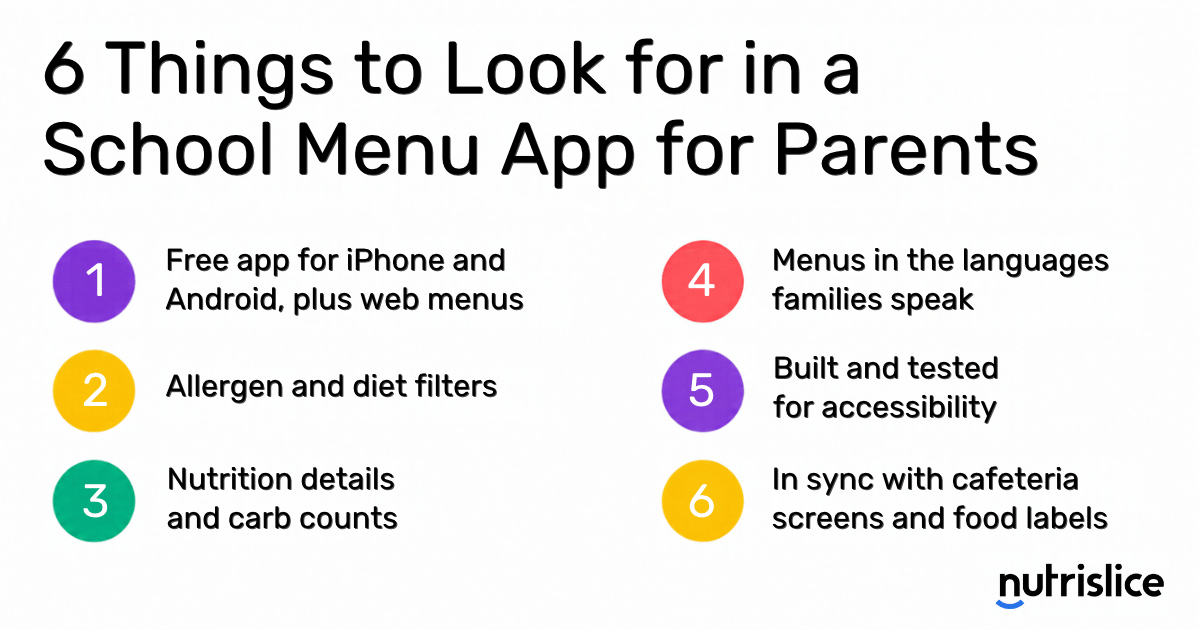
1. A Free App for iPhone and Android, Plus Web Menus
Families use different devices, and some will never download an app. Look for a free app on both stores and a web menu that works well on a phone browser.
2. Allergen and Diet Filters
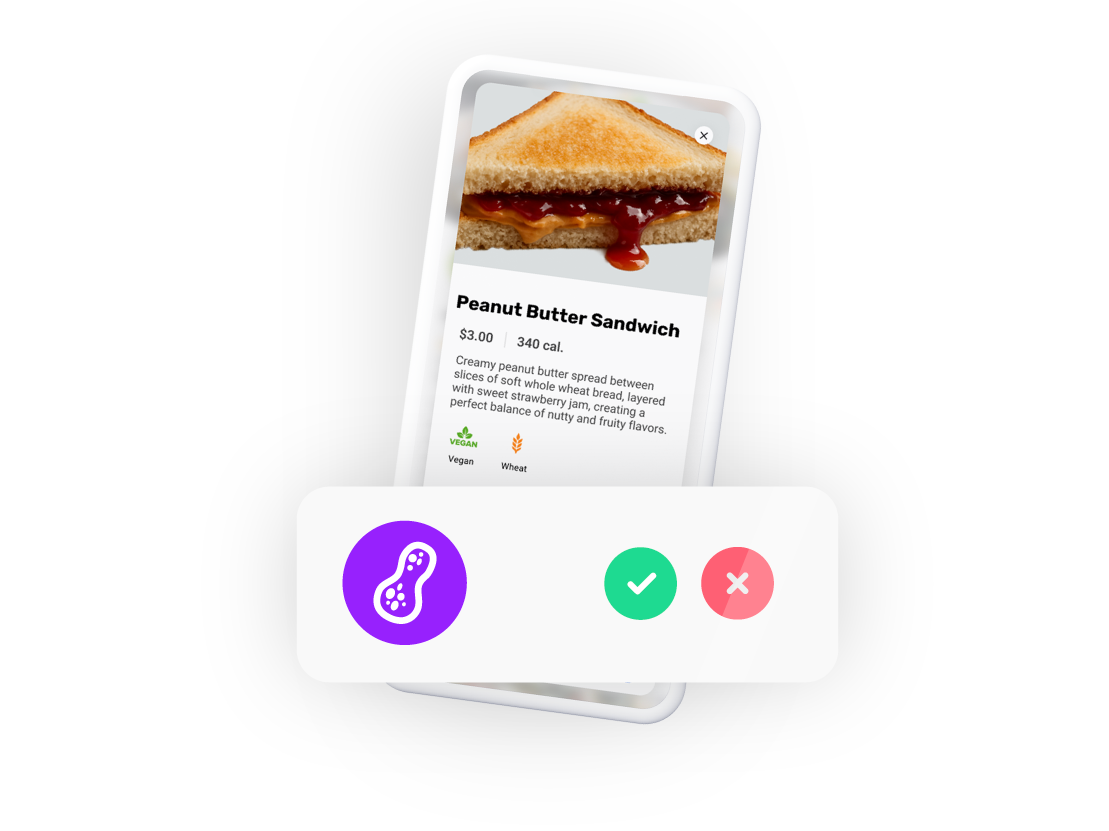
Showing allergens is the minimum. A filter lets a parent hide every item that contains an allergen their child avoids, so the safe choices are easy to see.
3. Nutrition Details and Carb Counts
Families and school nurses who help students manage carbohydrate intake need carb counts by item, along with ingredients. Ask each vendor to show you where those appear in the app.
4. Menus in the Languages Families Speak
Ask how many languages the menu supports and whether a family can pick their own. A menu that a parent cannot read does not inform anyone.

5. Built and Tested for Accessibility
Ask for the standard the app is tested against and for a VPAT. A vendor that takes accessibility seriously will have both ready.
6. In Sync With Cafeteria Screens and Food Labels
What a parent sees at home should be what the student sees on the line. That holds when the app, the cafeteria screens, and the food labels all read from the same menu data. Our practical guide to school menu software covers the back-of-house side of this.
How Do the Leading School Menu Apps Compare?
The chart below is based on each vendor's public product pages and app store descriptions as of November 2026. "Not stated publicly" means we could not confirm it on those pages; ask the vendor directly.
| Nutrislice | SchoolCafé | MealViewer | LINQ Connect | My School Menus (Health-e Pro) | |
|---|---|---|---|---|---|
| Parent app | iOS and Android | iPhone and Android | iOS and Android | App Store and Google Play | iPhone; Android not stated publicly |
| Allergen information | Icons and filters for allergens and dietary needs | Allergen indicators and ingredient lists | Allergy and nutrition info shown | Menus described as helping with allergy concerns | Allergen filter on the online menu |
| Nutrition and carb counts | Carb counts, allergens, and ingredients | Detailed nutrition labels; carb counts not stated publicly | Detailed nutrition information; carb counts not stated publicly | Not stated publicly | Macros and key nutrients; carb counts not stated publicly |
| Languages | 40+ | Not stated publicly | Not stated publicly | Not stated publicly | 100+ |
| Accessibility statement | Built and tested to WCAG 2.x AA; VPAT on request | Not stated publicly | Not stated publicly | Not stated publicly | Not stated publicly |
| Alerts and announcements for families | News and events through Nutrislice Engage | Low-balance alerts; alerts when favorite items are served | School announcements; menu-change updates | Low-balance, school event, and account alerts | Not stated publicly |
| Meal payments and meal applications | Not stated publicly | Yes, both in the app | Not stated publicly for this app | Yes, both | Not stated publicly |
| Cafeteria screens from the same data | Yes (Showcase) | Yes (SCTV+) | Yes | Yes, digital menu boards | Yes |
| Digital food labels from the same data | Yes (Spotlight) | Not stated publicly | Not stated publicly | Not stated publicly | Not stated publicly |
| Where menu data comes from | Synced or imported from the district's existing system | Its own menu planning (PrimeroEdge) | Heartland Menu Planning | LINQ Menu Planning | Health-e Pro Menu Planning |
These are solid products, and some do things Nutrislice does not lead on. SchoolCafé and LINQ Connect put menus, meal payments, balances, and free and reduced-price meal applications in one app, which is convenient for families and for districts that already run those vendors' back-office systems. My School Menus states support for more than 100 languages and has an allergen filter. MealViewer syncs with Heartland's menu planning and includes school announcements. If a single app for payments and menus is your top priority, weigh that. If the depth of the menu experience and consistency across screens and labels matter more, read on. We also wrote a full Nutrislice vs. MealViewer comparison.
Why Do Districts Choose Nutrislice for the Family Menu Experience?
Nutrislice for K-12 is proven across 25,000+ schools. It does not do menu management. It pulls menu data from the district's existing system and turns it into a menu families can use.
- Nutrislice Essentials publishes online and mobile menus with carb counts, allergens, and ingredients, with icons and filters for dietary needs, in 40+ languages. Ratings and comments tell you what students like.
- Accessibility is built and tested to WCAG 2.x AA, with a VPAT on request. See the Nutrislice accessibility statement.
- Nutrislice Showcase and Spotlight put the same data on cafeteria screens and digital food labels, so home and school match.
"I’m committed to changing the perception of school meals through new and innovative communication tools," says Wes Delbridge, Director at Chandler Unified School District.
For more on how the pieces fit, see picking school nutrition software and what changed in the Essentials redesign.
FAQ: School Menu Apps for Parents
What is the best school menu app for parents?
The best school menu app for parents shows allergens, carb counts, and ingredients from the district's own menu data, works in the family's language, and is tested for accessibility. Nutrislice is built for that.
Do parents have to pay for the app?
The parent apps in this guide are free to download. The district pays for the service.
Do we need to change our menu planning software?
Not with Nutrislice. It works alongside the system your team already uses and displays what is in it. Several of the other apps are tied to their own vendor's menu planning product.
Can parents pay for meals in a menu app?
In some. SchoolCafé and LINQ Connect include payments and meal applications. Many districts pair a menu-focused app with the payment portal they already have.
Bottom Line: Pick the App Families Will Actually Use
A school menu app for parents earns its place when a parent can answer "what is for lunch, and can my child eat it?" in under a minute. Use the six points above to compare your options, and when you are ready to see it with your own menus, request a Nutrislice demo.