
Nutrislice Essentials Redesign: What Changed & Why It Matters
We have redesigned Nutrislice Essentials with one clear goal: make it easier (and faster) for school nutrition teams and their communities to find what they need—on any device—without sacrificing flexibility or brand personality. Below is a rundown of what has been updated, what’s changing behind the scenes, and what you can do now to be ready.
Why we’re redesigning Essentials
The Essentials Redesign is focused on three things: better user experience (cleaner layouts, clearer pathways, fewer clicks), streamlined workflows (navigation and core interactions that feel intuitive and efficient), and stronger accessibility (more readable content, better contrast, and improved support for assistive technology, aligned to WCAG guidelines). Essentials is widely used in K–12 and other core markets, and we want the experience to feel modern, trustworthy, and easy for every user: students, families, and staff included.
What’s changing in the interface (and what you’ll notice first)
A more modern, usable design: We have updated the look and feel to improve clarity and visual consistency, with simplified navigation, more intuitive menus, and cleaner, more readable layouts. Reduced friction in navigation: In the current experience, some users must take extra steps to access key menus or controls. That can slow people down and create frustration, especially on mobile. The redesign aims to make the most common actions feel effortless.
Accessibility improvements you can count on
Accessibility isn’t an “extra”—it’s foundational. The redesign addresses key issues, including improved color contrast ratios, better handling of background images to support text readability, stronger screen reader compatibility, and WCAG-aligned best practices throughout the experience. In short, menus are easier to read, navigate, and use for everyone.
Functionality changes: what’s being phased out (and what’s being improved)
Some legacy options are being retired to deliver a cleaner, more consistent product over the long term. Features being phased out: Reserve feature and Menu Type selection. Key upgrades you will receive: upgraded background images for improved text readability, Google Maps integration for directions, improved mobile optimization (including homepage slider enhancements), and additional usability enhancements throughout the experience.
Before
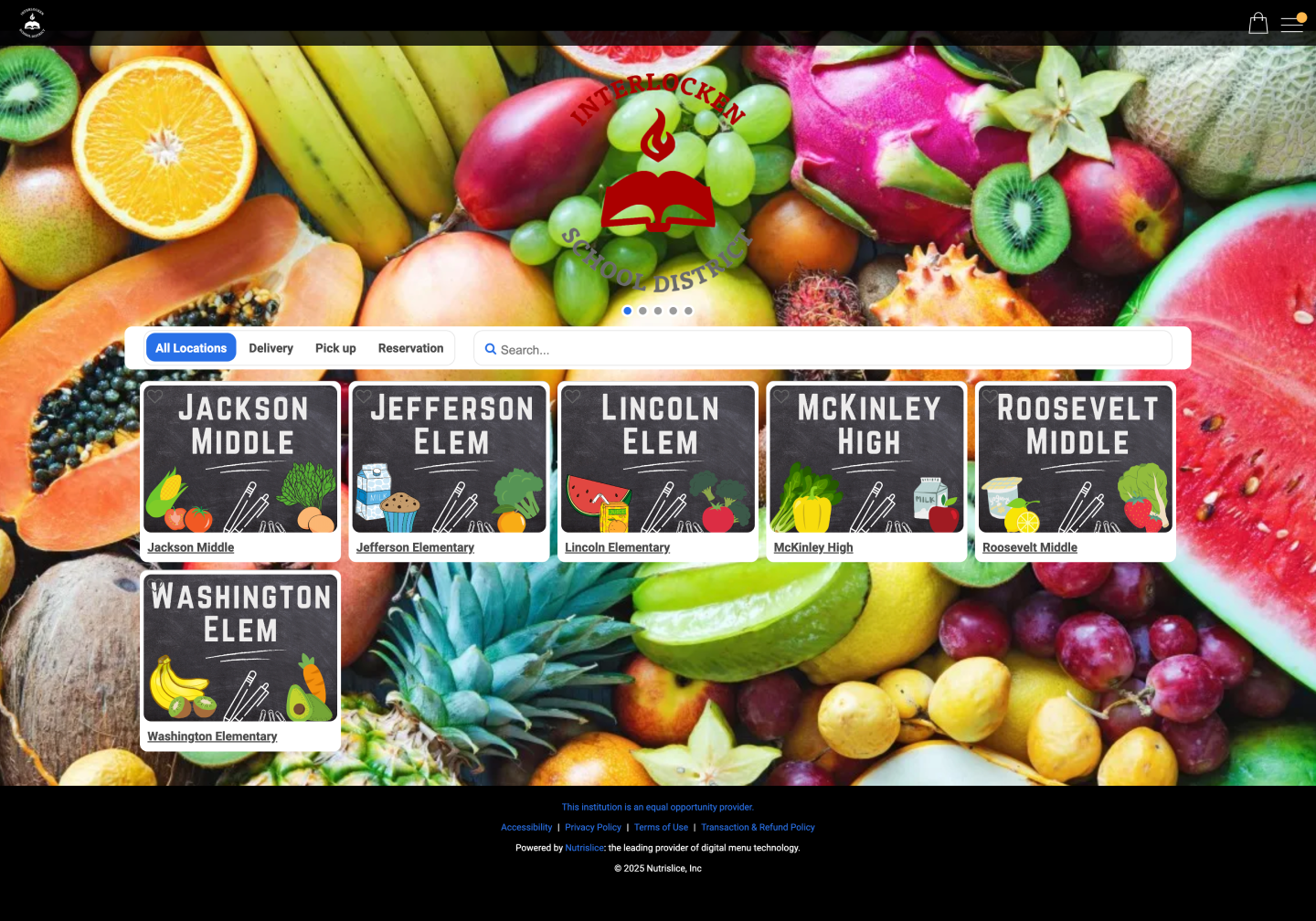
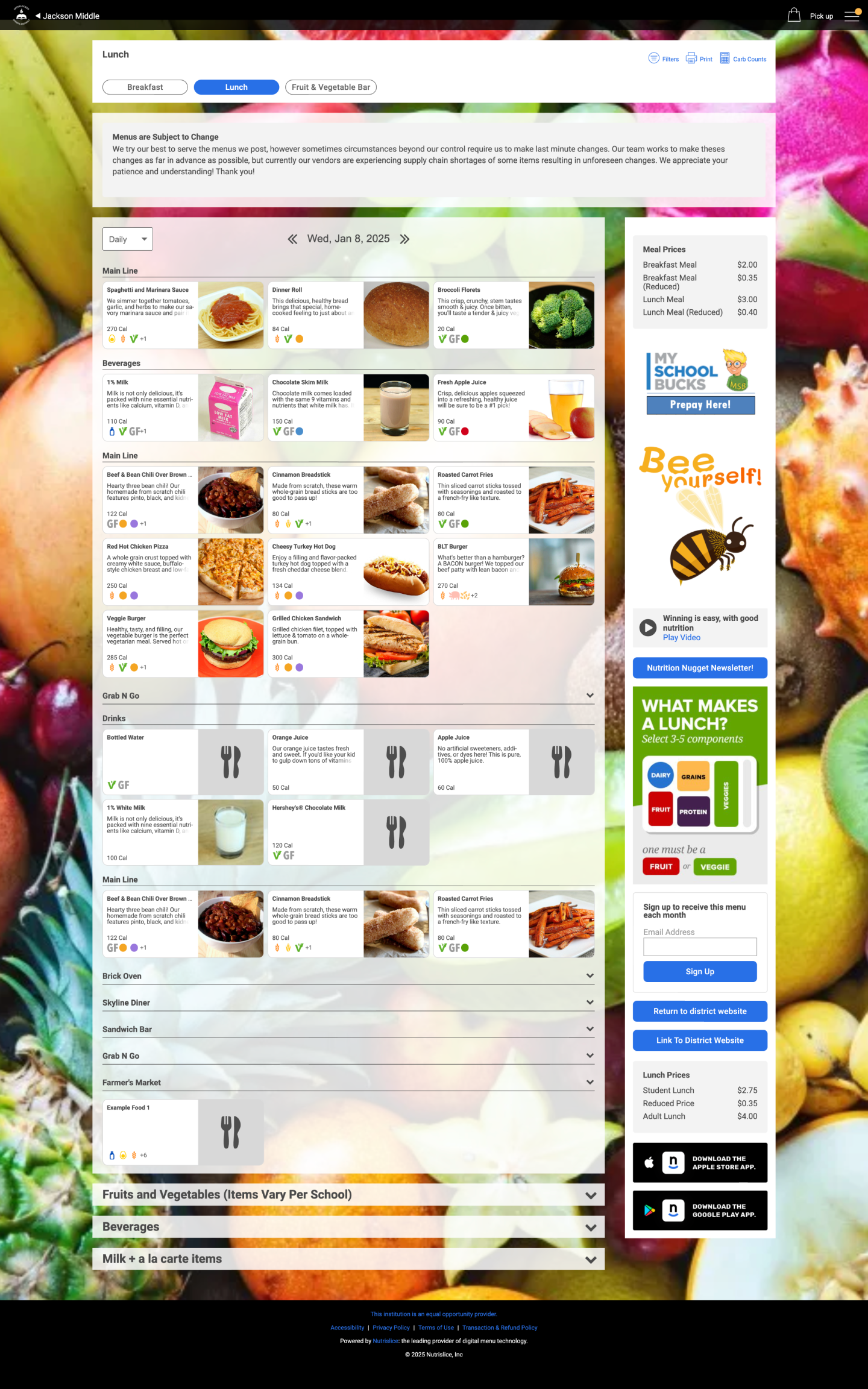
After
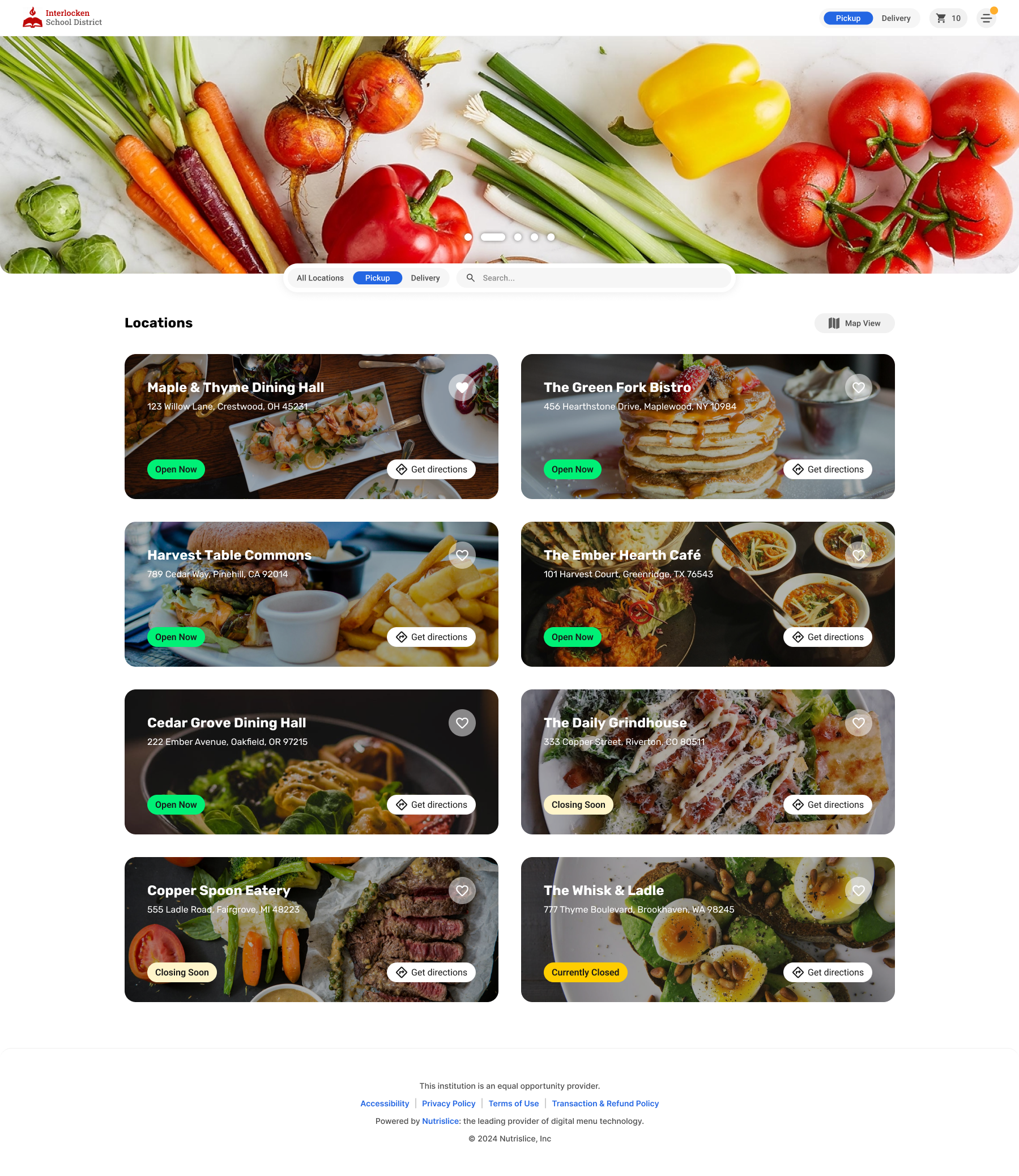
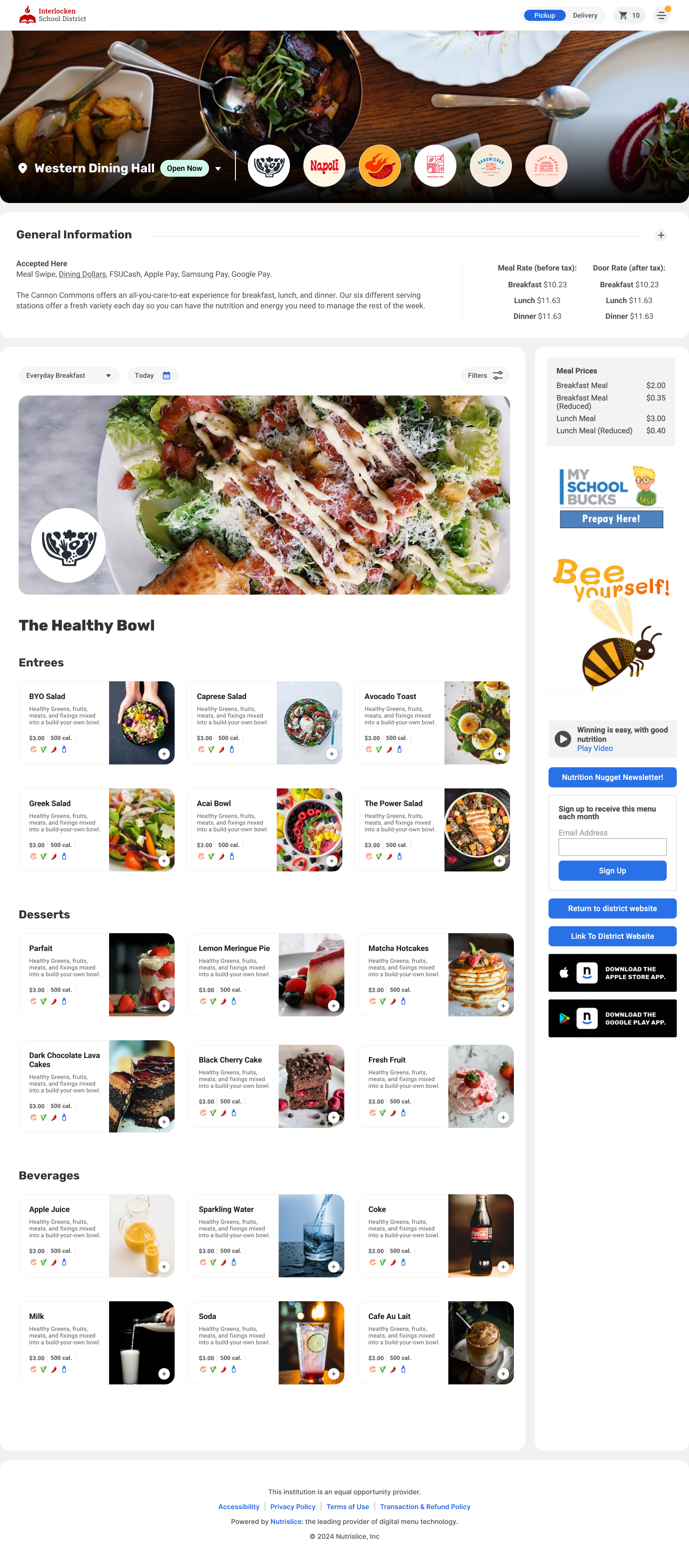
Background images: more control, less compromise
If your site uses background or hero-style imagery, you’ll have more options than ever. Customers will be able to disable background images if they’re using hero images or other visuals, and control where backgrounds appear: locations only, menus only, or both locations and menus. We’ll share a simple decision guide to help you choose the best setup for your site.
Embedded menus: Will they receive the redesign as well?
Yes, embedded menus will be updated with the redesigned look, with a few small differences (like homepage slider behavior, hamburger menu patterns, and filters).
Quick refresher: Essentials vs. Engage
Essentials = menus only. Engage = a full dining website experience (menus plus broader dining content).
Onboarding: what you should do to prepare
To ensure your site looks great from day one, image preparation is the top priority. Clients should update custom images used across homepage sliders, location images (image grids or headers), menu page hero images, and station images and logos (optional, depending on rollout phase). Why this matters: image display sizes are changing. Existing images may appear stretched, blurry, or misaligned. We’ll provide a full Image Preparation Guide with updated dimension requirements for each image type (including any new image types being introduced). If you can’t update images in time, you can still use Nutrislice stock images, temporarily remove images, or choose layouts without images (a clean, minimalist List View approach can look great). If images appear stretched or blurry post-launch, the fix is straightforward: upload images that match the new resolution specs, switch to stock images, or temporarily remove images until you’re ready.
Can Nutrislice help with images?
Yes. We’ll provide a stock image library to help customers quickly fill gaps.