
Nutrislice vs. MealViewer: Comparing School Menu Experiences for Districts and Families
Nutrislice vs MealViewer comes down to scope. Both publish school menus on the web and in a mobile app with nutrition and allergen information, and both offer cafeteria digital signage. Nutrislice goes further with digital food labels, dining websites, AI allergen checks, registered dietitian data services, and published accessibility documentation, all running on one set of menu data. This guide compares the two side by side so your district can decide which fits.
What Are Nutrislice and MealViewer?
Both are school menu platforms: the family-facing layer that takes the menus your nutrition team plans and shows them to students, parents, and staff.
Nutrislice is a foodservice technology company founded in 2011. Its K-12 page describes the platform as proven across 25,000+ schools. Nutrislice does not do menu planning. It pulls menu data from the system your district already uses and publishes it to online menus, the mobile app, menu boards, and labels.
MealViewer is a product of Heartland School Solutions, which it joined in 2017. Its public pages describe web and app menus, nutrition and allergy information, a nutrition calculator, item ratings, and cafeteria digital signage, with menus synced from Heartland's own menu planning software.
Why Does the Choice Matter for Districts and Families?
For many families, the school menu is the most visible part of the nutrition program. Parents of children with food allergies check it before they pack a bag. Families who speak a language other than English at home need to be able to read it. And under the Department of Justice's updated Title II rule, public school web content and mobile apps have to meet accessibility requirements, which we covered in why ADA compliant online menus must stay accurate in 2026. The platform you choose decides how much of that your team has to handle by hand.
What Should Districts Compare?
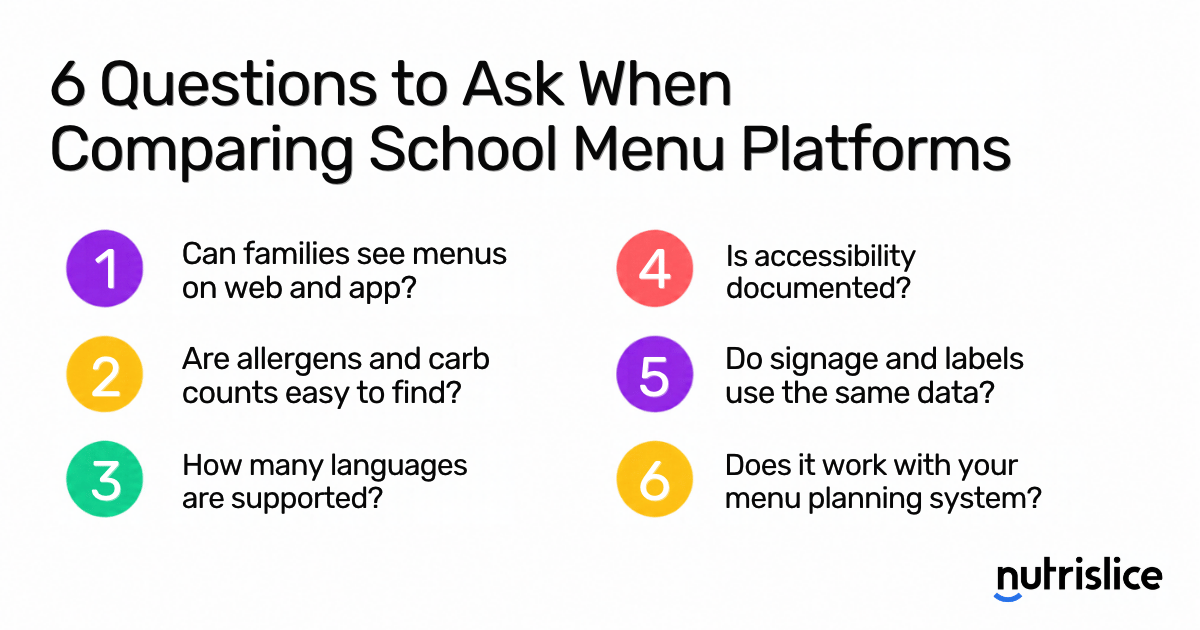
1. Can Families See Menus on Web and App?
Both platforms offer web menus and a mobile app for families. Ask to see each one on a phone, signed out, the way a parent would open it.
2. Are Allergens and Carb Counts Easy to Find?
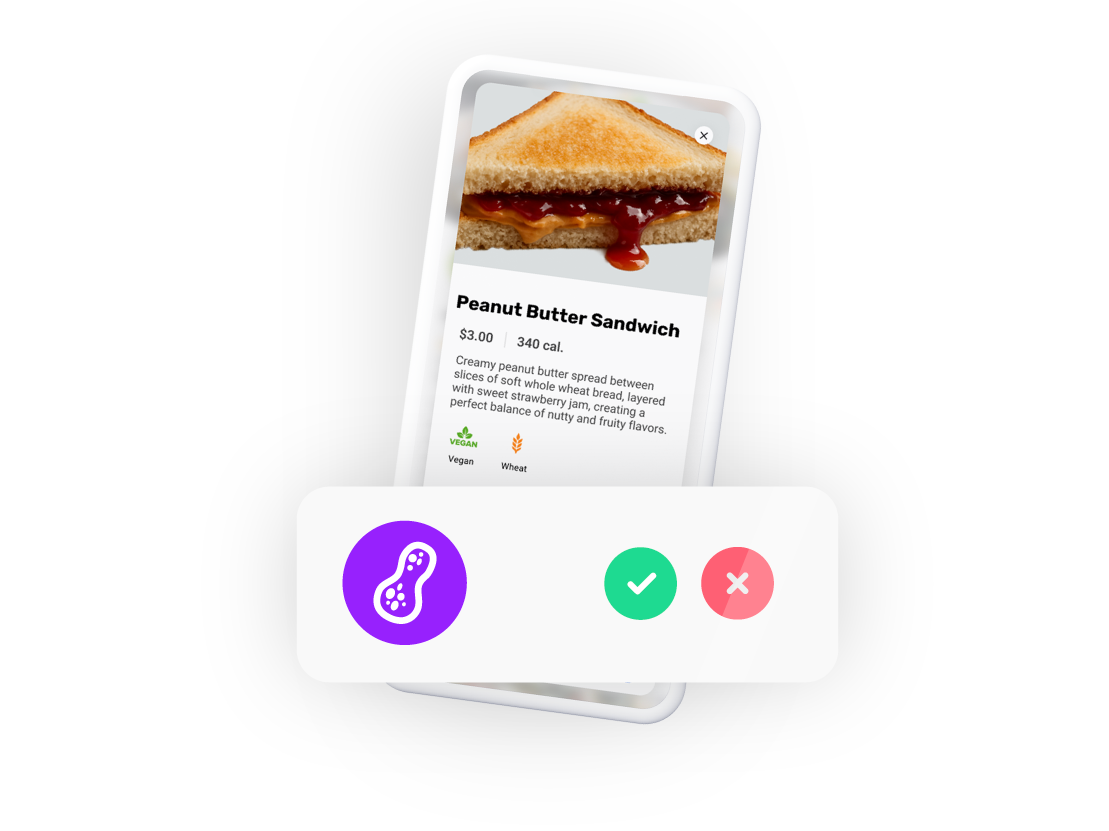
Both show allergens and nutrition information. Nutrislice lets families filter menus by allergen or diet and publishes carb counts and ingredients for each item. MealViewer's pages describe allergy information and a nutrition calculator.
3. How Many Languages Are Supported?
Nutrislice menus can be viewed in 40+ languages. MealViewer's vendor pages do not state a number. Ask each vendor for the current list and check it against the languages your families speak.
4. Is Accessibility Documented?
Ask for documentation, not a promise. Nutrislice builds and tests its menus to WCAG 2.x AA and provides a VPAT on request. We could not find an accessibility statement on MealViewer's public pages, so ask for one.
5. Do Signage and Labels Use the Same Data?
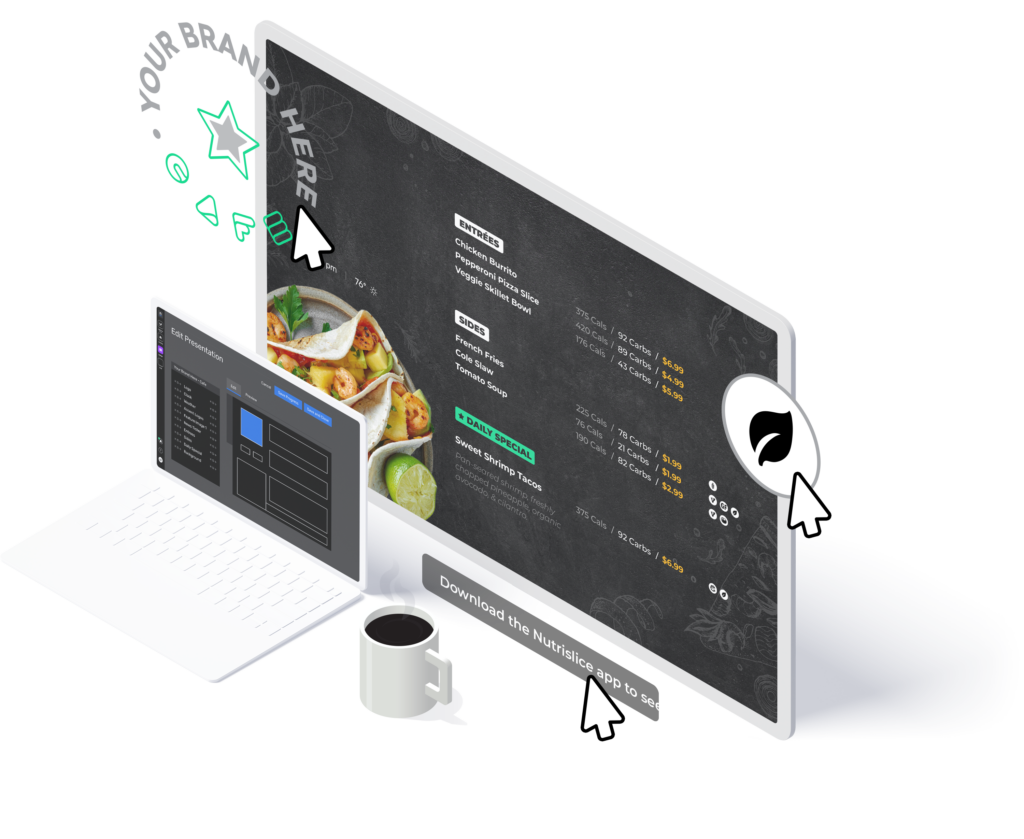
Both offer cafeteria digital signage. Nutrislice also offers digital food labels for the serving line, fed by the same menu data as the app and the screens, so a change made once shows up everywhere.
6. Does It Work With Your Menu Planning System?
MealViewer syncs with Heartland Menu Planning, which is a natural fit for districts already on Heartland. Nutrislice is built to pull menu data from the K-12 systems districts already run, so it does not tie the family experience to one back-office vendor.
How Do Nutrislice and MealViewer Compare Side by Side?
The chart below is based on each company's public pages as of November 2026. "Not stated publicly" means we could not confirm it there; ask the vendor directly.
| Nutrislice | MealViewer | |
|---|---|---|
| Web menus | Yes | Yes |
| Mobile app for families | Yes (Nutrislice Menus app) | Yes (MealViewer To Go) |
| Mobile app for staff | Yes (Sidekick) | Not stated publicly |
| Allergen information | Filters and icons for allergens and diets | Allergy information shown |
| Nutrition detail | Carb counts, allergens, ingredients | Nutrition information and a nutrition calculator |
| Languages | 40+ | Not stated publicly |
| Accessibility documentation | Built and tested to WCAG 2.x AA; VPAT on request | Not stated publicly |
| Cafeteria digital signage | Yes (Showcase) | Yes |
| Digital food labels | Yes (Spotlight) | Not stated publicly |
| Nutrition program website | Yes (Engage) | Not stated publicly |
| Item ratings and feedback | Ratings and comments | Ratings, favorites, and analytics |
| Menu planning system connection | Integrates with K-12 systems | Syncs with Heartland Menu Planning |
| Allergen accuracy checks | Yes (Allergen Intelligence) | Not stated publicly |
| Registered dietitian data services | Yes (DataTrust) | Not stated publicly |
| Marketing support | Creative Services and marketing resources | Success coordinator and free printable materials |
In fairness to MealViewer: if your district already runs Heartland for menu planning and payments, having the family menu from the same vendor is convenient, and its free printable marketing materials are a nice touch. The difference is in how far each platform reaches once the menu is published.
Why Do Districts Choose Nutrislice?
Nutrislice for K-12 keeps every place a family or student sees the menu on one set of data, and adds tools that help keep that data right.
- Nutrislice Essentials publishes online menus and the mobile app with allergen and diet filters, carb counts, and 40+ languages. See what changed in the Essentials redesign.
- Nutrislice Showcase keeps cafeteria menu boards in step with the menu without manual slide updates.
- Nutrislice Spotlight adds digital food labels on the line. Here is how digital food labels work.
- Allergen Intelligence reviews menus ahead of time and suggests allergen corrections for your team to accept or reject.
- DataTrust pairs AI with registered dietitians to keep menu, allergen, and nutrition data accurate.

For a broader look at the category, read our practical guide to school menu software and picking school nutrition software.
FAQ: Nutrislice vs. MealViewer
What is the difference between Nutrislice and MealViewer?
Both publish school menus online and in an app with nutrition and allergen information, and both offer cafeteria signage. Nutrislice also offers digital food labels, dining websites, AI allergen checks, registered dietitian services, and documented accessibility testing.
Who owns MealViewer?
MealViewer is part of Heartland School Solutions, which it joined in 2017.
Do we have to change our menu planning software to use Nutrislice?
No. Nutrislice does not do menu planning. It pulls menu data from the system your district already uses.
Which is better for families with food allergies?
Both show allergens. Nutrislice adds allergen and diet filters for families and Allergen Intelligence for your team, which reviews menus for possible allergen gaps before they are published.
Bottom Line: Compare the Whole Menu Experience
If all you need is a menu on a phone, both platforms will do it. If you want the same accurate menu on the web, in the app, on the screens, and on the line, with accessibility you can document, Nutrislice covers more of it. The best way to compare Nutrislice vs MealViewer is to see both with your own menus, so request a Nutrislice demo.