
From Paper to Pixels: The ROI of Switching to Digital Menus
Digital menus ROI comes from three places: the printing you stop paying for, the staff time you stop spending on reprints and corrections, and the errors you stop making. How much you get back depends on which kind of digital menu you choose. This guide lists the costs to count, compares four approaches side by side, and shows how to estimate payback with your own numbers.
What Does "Digital Menus ROI" Actually Mean?
Return on investment is what you gain compared with what you spend. For menus, the spend is software, screens or labels, and setup. The gain is harder to see because paper costs are spread across budgets: a print line here, a few hours of a manager's week there, a wasted pan of food when a sign was wrong. The return is real, but you have to add it up on purpose.
We are not going to give you a headline percentage. Every operation is different, and a number that is not yours will not survive a budget meeting. What follows is a method you can run yourself.
Where Does Paper Really Cost You?
Printed menus and paper food labels look cheap per sheet. The cost is in the cycle: design, print, distribute, post, then do it again when the menu changes. In schools, universities, hospital cafés, workplace dining, and senior living, the menu changes daily. We walked through the labor side in why manual menu updates are costing you time and money, and the label side, with worked examples, in the ROI of digital food labels.
A static PDF on a website removes the printing but keeps most of the work. Someone still rebuilds the file for every change, and guests on a phone still pinch and zoom to read it.
What Costs Should You Count?
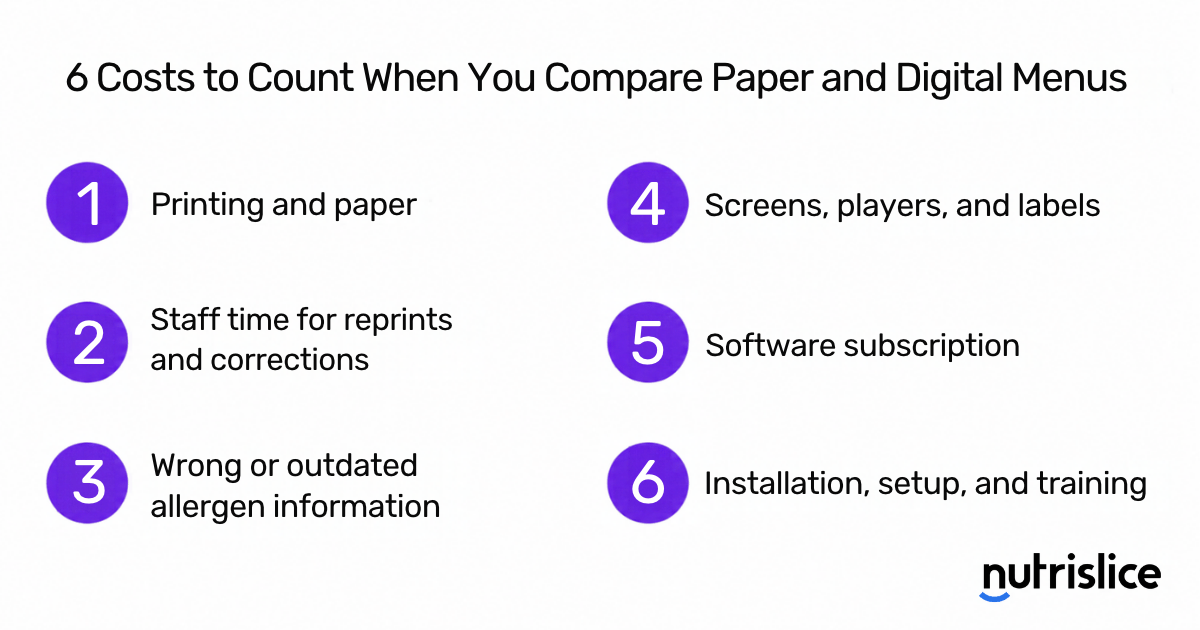
1. Printing and Paper
Add up paper, label stock, ink or toner, and any outside print jobs for menus, signs, and labels across every site for a month.
2. Staff Time for Reprints and Corrections
Count the hours spent designing, printing, cutting, posting, and replacing menus and labels, and multiply by a loaded hourly rate. This is usually the largest paper cost and the one nobody tracks.
3. Wrong or Outdated Allergen Information
This one is a risk, not a line item. A label that does not match the recipe can hurt a guest and your program's reputation. Note how often corrections happen today and how they are caught.
4. Screens, Players, and Labels
On the digital side, count the hardware: displays, media players, mounts, and electronic labels with their base stations. Ask what you can reuse.
5. Software Subscription
Count the recurring software cost for every channel you need. If web menus, the mobile app, signage, and labels come from different vendors, count each one.
6. Installation, Setup, and Training
Include mounting and cabling, connecting your menu data, designing templates, and training staff. Then ask the question that decides most of the return: after setup, how much work does a menu change take?
How Do the Four Approaches Compare?
The chart compares approaches, not prices. The general-purpose signage column reflects the public product pages of Yodeck, ScreenCloud, and OptiSigns as of November 2026. "Not stated publicly" means we could not confirm it on those pages; ask the vendor directly.
| Printed menus and paper labels | Static PDF menus | General-purpose signage software | Connected foodservice platform (Nutrislice) | |
|---|---|---|---|---|
| What you pay for | Paper, label stock, printing, and staff time every cycle | Staff time to rebuild and upload each file | Per-screen subscription and hardware, with published pricing | Subscription and hardware, priced by quote |
| Work when the menu changes | Reprint and repost at every site | Edit the file and upload it again | Edit the menu template; OptiSigns can sync with restaurant POS systems | Change it once; connected displays, web menus, and the app update |
| Where menu data comes from | Retyped from your menu system | Exported or retyped from your menu system | Templates; a link to a menu management system is not stated publicly | Synced or imported from your existing menu management system |
| Nutrition and allergen details | Typed by hand | Typed by hand | Can be shown; a live data source is not stated publicly | Published from the same menu data |
| Where guests see it | On site only | Website only | Screens; website, app, and food labels not stated publicly | Web, mobile app, screens, and digital food labels |
| Cost that is easy to miss | Labor and waste from reprints | A menu few guests can read on a phone | Ongoing labor to re-enter menus, plus separate tools for web and labels | Setup and integration at the start |
General-purpose signage platforms deserve credit. Yodeck, ScreenCloud, and OptiSigns publish their per-screen prices, offer free plans or trials, run on a wide range of hardware, and are quick to set up. For a few screens of promotions or announcements, they can be the lowest-cost answer. Their return shrinks when the content is a daily menu, because the labor you wanted to remove comes back as template editing.
How Do You Estimate Your Own Payback?
Use your own figures in three steps.
- Add your monthly paper costs: items 1 and 2 above, across all sites.
- Subtract the monthly cost of the digital option: item 5, plus any labor that remains when the menu changes.
- Divide the one-time costs, items 4 and 6, by that monthly difference. The answer is the number of months to pay back the switch.
Then weigh what the math leaves out: fewer allergen corrections, menus guests can read before they arrive, and a program that looks current. For more on the guest side, see how a modern dining website can drive more traffic.
Why Does a Connected Platform Return More?
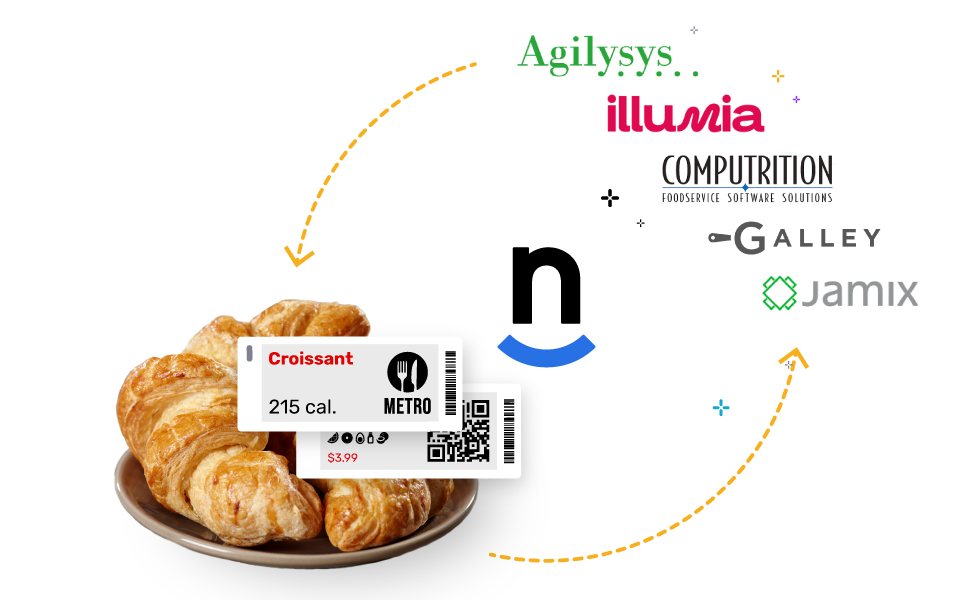
The biggest saving is labor, and labor only disappears when a menu change is made once. Nutrislice does not do menu management. It pulls menu data from the system where your team already plans menus, such as Illumia (formerly CBORD), JAMIX, Computrition, or PrimeroEdge, and publishes it everywhere guests look.
- Nutrislice Essentials replaces PDFs with online and mobile menus in 40+ languages.
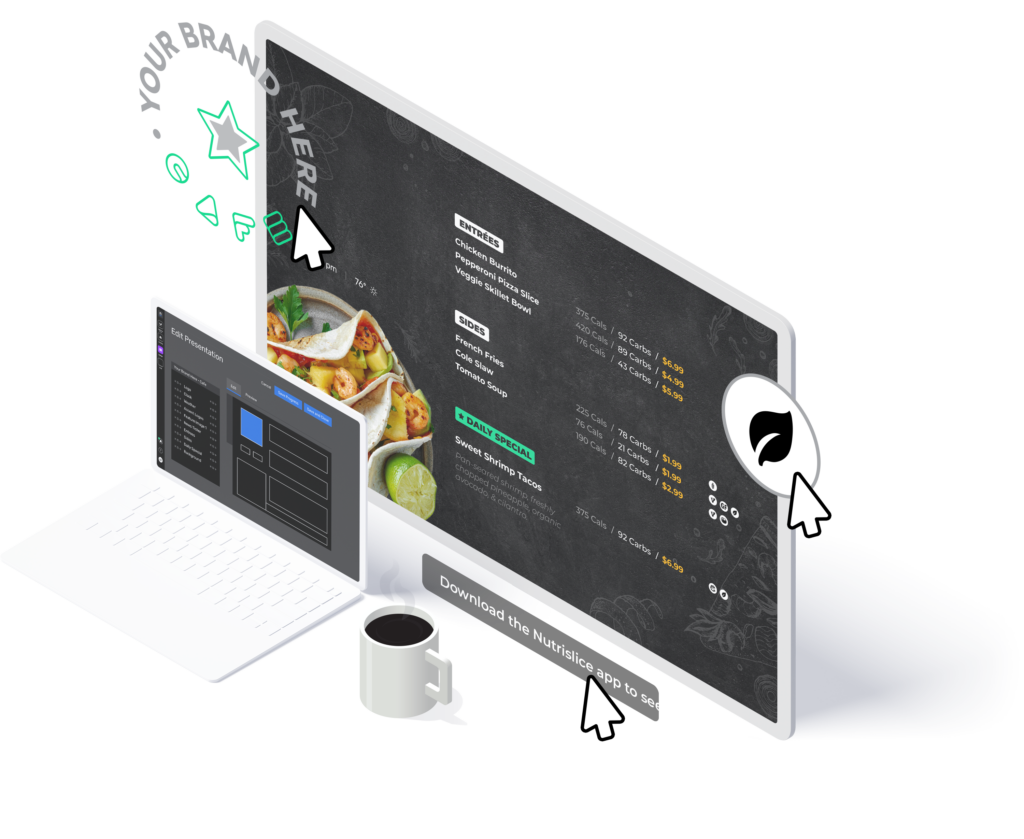
- Nutrislice Showcase broadcasts the same data to digital signage in real time.
- Nutrislice Spotlight replaces paper labels with digital food labels that update from one source.
Customers describe the return in time. "It has cut weeks off of the time I spend on menus each month," says Kristen Logan, Registered Dietitian at Opaa! Food Management. Helen Phillips, Senior Director at Norfolk City Public Schools, says, "Nutrislice menus are so much easier and faster to publish than the PDF menus we used to make."
In hospitals, Nutrislice serves retail dining only: cafés, cafeterias, and grab-and-go, not in-room patient dining. For a wider view of the options, read our buyer's guide to digital menu software for noncommercial foodservice and our post on cycle menu software.
FAQ: Digital Menus ROI
What is the ROI of switching to digital menus?
It is the printing, labor, and error costs you remove, compared with what you spend on software, hardware, and setup. Use the three-step estimate above with your own numbers.
How long does it take digital menus to pay for themselves?
It depends on how often your menus change and how many sites you run. Operations with daily changes across many sites carry the most paper labor, so they tend to see the return soonest.
Is general signage software cheaper?
The subscription often is. Count the labor too. If staff re-enter the menu for every change, that time belongs in the comparison.
Do we have to replace our menu management system?
No. Nutrislice works alongside it and displays what is in it.
Bottom Line: Count the Labor, Not Just the Paper
Digital menus ROI is decided by how much work a menu change takes after you switch. Count all six costs, compare the approaches honestly, and pick the one that lets your team change the menu once. When you want to run the numbers with us, request a Nutrislice demo.