
The Complete Campus Dining App Checklist: Menus, Allergens, Nutrition, Ordering, and Signage
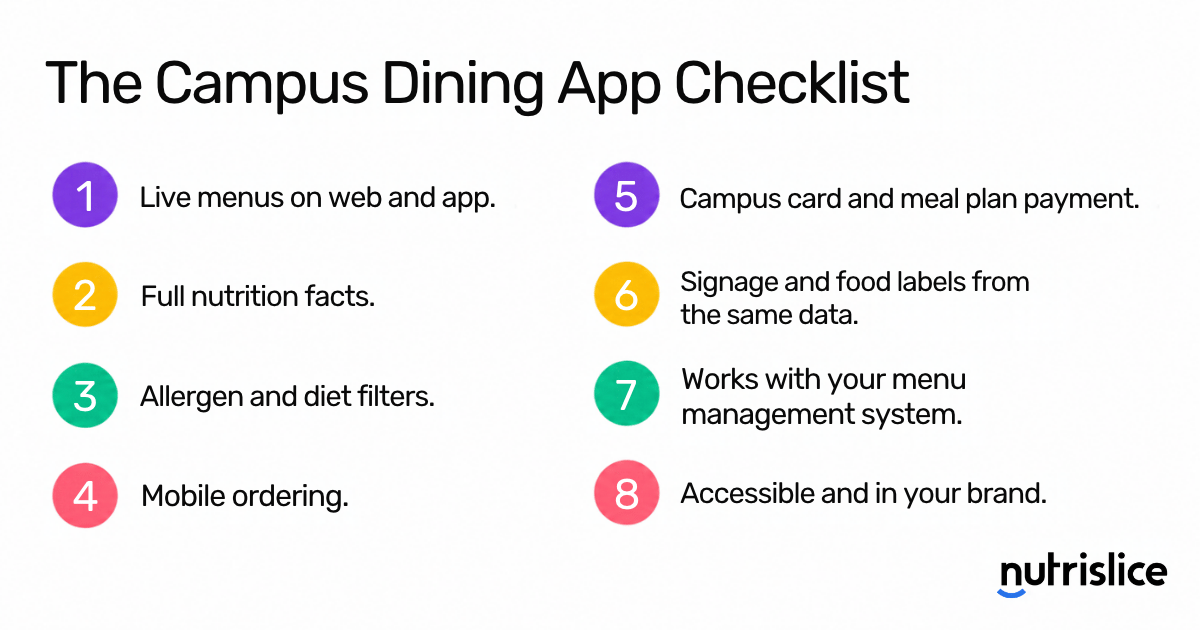
A good campus dining app shows students today's menu at every location, with full nutrition facts and allergen filters, lets them order ahead and pay the way they already pay on campus, and uses the same menu data that feeds your menu boards and food labels. This checklist covers the eight things to confirm before you choose one, and compares the apps and platforms universities most often consider.
What Is a Campus Dining App?
A campus dining app is the place students go to answer two questions: what is being served, and can I eat it? Some apps stop at menus. Some only take orders. The strongest setups connect campus dining menus, nutrition, allergens, ordering, and on-site screens to one source of menu data, so a change made once shows up everywhere.
Why Does the Choice Matter for University Dining?
Students check their phones before they decide where to eat. In a Nutrislice survey, more than 70% of students said menu boards matter to them, and the app sets the same expectation: current, complete, and easy to read. Students with allergies or dietary needs rely on it for safety. And every channel that has to be updated separately is more work for your team and one more place for a mistake. We covered the wider requirements in best campus dining menu software.
What Should a Campus Dining App Include?
1. Live Menus on Web and App
Students should see what is being served today at every dining hall, café, and market, on the web and in the app, without a login. Menus should update on their own when the kitchen makes a change.
2. Full Nutrition Facts
Calories are a start. Look for full nutrition detail, including carb counts and ingredients, on every item.

3. Allergen and Diet Filters
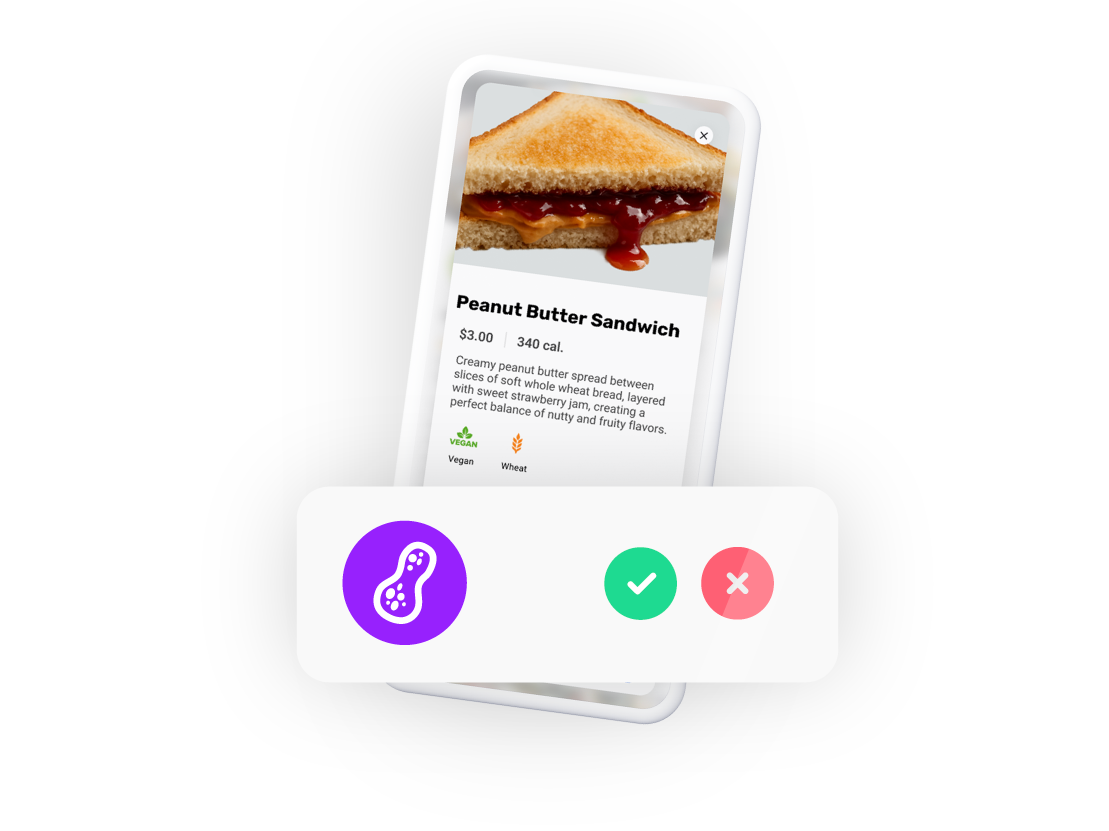
A student who avoids gluten or eats vegan should be able to filter the menu once and see only what fits. Showing allergens on an item is not the same as letting students filter by them.
4. Mobile Ordering
Order-ahead shortens lines at peak times. Look for pickup windows, limits on orders during a rush, and the same nutrition and allergen detail in the ordering flow that students see on the menu.
5. Campus Card and Meal Plan Payment
Students expect to pay with the campus card. Ask which card systems and tenders are supported and whether meal plan swipes and dining dollars both work for mobile orders.
6. Signage and Food Labels From the Same Data
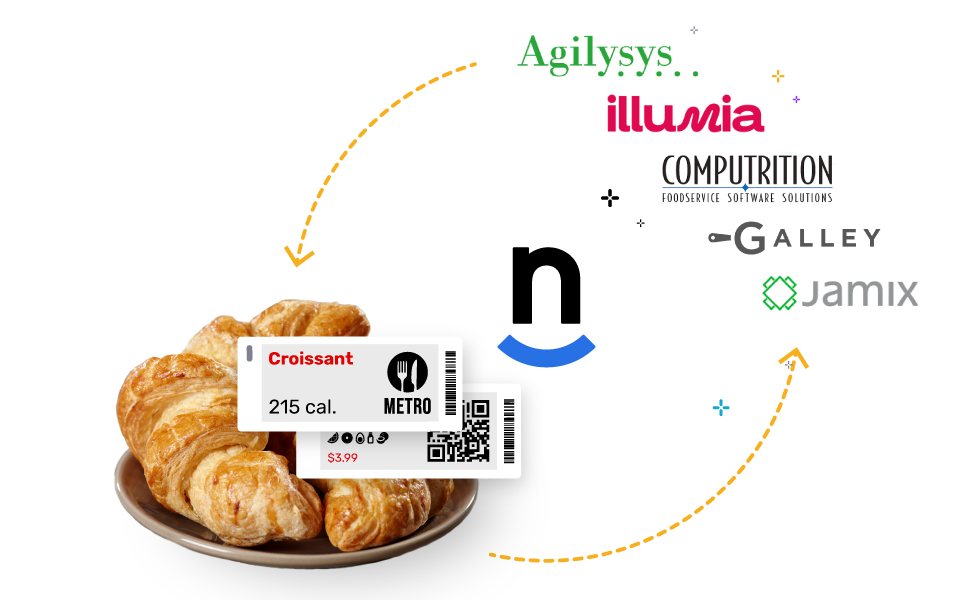
If the app says one thing and the menu board says another, students stop trusting both. Menu boards and station labels should read from the same data as the app. See 4 ways to use digital labels in higher ed foodservice.
7. It Works With Your Menu Management System
Your recipes and nutrition data live in a menu management system such as Illumia (formerly CBORD), JAMIX, or FoodPro. The app should pull from it automatically, with no retyping.
8. It Is Accessible and in Your Brand
Ask which accessibility standard the app is tested against and whether the vendor can provide documentation. Our post on ADA compliant online menus explains why this matters now. The experience should also carry your dining program's name and look, not only the vendor's.
How Do the Leading Campus Dining Apps Compare?
The chart below is based on each company's public product pages and app store listings as of November 2026. "Not stated publicly" means we could not confirm it there; ask the vendor directly. Features of the foodservice company apps can vary by campus.
| Nutrislice | Illumia (formerly CBORD): NetNutrition, Transact Mobile Ordering, GET | Grubhub Campus | Dine On Campus and Boost (Chartwells) | CampusDish (Aramark) | Everyday (Sodexo) | |
|---|---|---|---|---|---|---|
| Daily menus on web and app | Yes, synced in real time | Web portal (NetNutrition) | Ordering menus | Yes, in app | Yes, in app | Yes, in app |
| Nutrition facts | Yes, with carb counts and ingredients | Yes (NetNutrition) | Not stated publicly | Yes, per item | Not stated publicly | Described in general terms |
| Allergen and diet filters | Yes | Yes (NetNutrition) | Not stated publicly | Boost flags ingredients to avoid | Yes | Highlights allergens; vegan and vegetarian |
| Mobile ordering | Yes (Nutrislice Pro) | Yes (Transact Mobile Ordering, GET) | Yes, plus kiosks, lockers, and delivery | Yes (Boost) | Not stated publicly | Yes, app and kiosk |
| Campus card and meal plan payment | Campus cards, pay with ID number, payroll deduct, credit cards | Meal plans, stored value, credit cards | Campus cards and meal plans | Campus card or meal plan card (Boost) | Card balance check | Campus card |
| Menu boards from the same data | Yes (Showcase) | Menu board integration add-on | Order status screens | Not stated publicly | Not stated publicly | Not stated publicly |
| Digital food labels from the same data | Yes (Spotlight) | Not stated publicly | Not stated publicly | Not stated publicly | Not stated publicly | Not stated publicly |
| Accessibility documentation | Built and tested to WCAG 2.x AA; VPAT on request | Company policy cites WCAG 2.2 AA | Not stated publicly | Not stated publicly | Not stated publicly | Not stated publicly |
A few things stand out. Grubhub Campus is strong on ordering and pickup hardware, but its public pages do not describe daily menus, nutrition, or allergens. Dine On Campus, CampusDish, and Everyday are published by Chartwells, Aramark, and Sodexo, so if you self-operate or change dining partners, ask whether the app is available to you. Illumia (formerly CBORD) is different from the rest: NetMenu is the menu management system itself, and its ordering apps document meal plan payment in detail. Some campuses run Illumia for menu management and payments and use Nutrislice as the guest-facing layer on top.
Why Do Universities Choose Nutrislice?
Nutrislice is the only option in the chart that covers every row from one set of menu data. It does not replace your menu management system. It pulls menu data from it and publishes it everywhere students look.
- Nutrislice Essentials publishes online menus and a mobile app with allergen and diet filters, carb counts, ingredients, and 40+ languages.
- Nutrislice Pro adds mobile ordering with pickup windows, order throttling at peak times, and catering.
- Nutrislice Showcase keeps digital menu boards in sync with the menu.
- Nutrislice Spotlight puts digital food labels at each station.
- Nutrislice Engage gives dining its own website. See how a modern dining website can drive more traffic.
"Nutrislice is the gold standard for digital menu displays," says Sean Carroll, Senior Director of Marketing and Auxiliary Operations at Vanderbilt University.
FAQ: Campus Dining Apps
What is the best campus dining app?
The best campus dining app shows live menus with nutrition and allergen filters, supports ordering and campus card payment, and shares one set of menu data with your menu boards and labels. Nutrislice is built to do all of that for higher education.
Do we need separate apps for menus and ordering?
No. Separate apps mean separate menus to maintain and two places for students to look. One platform for both keeps nutrition and allergen details consistent.
Do we have to replace our menu management system?
No. Nutrislice does not do menu management. It pulls menu data from the system your team already uses, including Illumia (formerly CBORD), JAMIX, and FoodPro.
Does it work if our dining program is self-operated?
Yes. Nutrislice works with the menu management system you run, whoever operates your dining program.
Bottom Line: Check Every Box Before You Choose
Students judge your dining program by what they see on their phones. Use the eight points above to test any campus dining app, and look for one that keeps menus, ordering, screens, and labels on the same data. When you are ready to see it in practice, request a Nutrislice demo.