
Best Digital Signage for Hospital Cafeterias: A Foodservice-Specific Buyer's Guide
The best hospital cafeteria digital signage reads directly from the menu data your foodservice team already manages, so the screens above the line always match what is being served. It should show calories and allergens from that same data, switch by meal period on its own, and match your online menus and food labels. This guide covers what to look for and compares the options hospitals most often consider.
One note on scope: this guide is about hospital retail dining, meaning cafés, cafeterias, coffee shops, and grab-and-go. In-room patient meal ordering is a different workflow with different technology.
What Is Hospital Cafeteria Digital Signage?
Hospital cafeteria digital signage is the set of screens that show guests what is available at each station: menu boards above the serving line, promotional screens at the entrance, and displays in coffee shops and grab-and-go areas. There are two kinds of software behind those screens. General-purpose signage platforms are built to show any content on any screen. Foodservice digital signage is built around menu data, meal periods, nutrition, and allergens.
Why Does Foodservice-Specific Signage Matter in a Hospital?
Hospital menus change every day, and many guests are managing a health condition or caring for someone who is. If a menu board is built by hand, every substitution means someone has to edit a slide, and allergen and calorie details depend on that person typing them correctly. We covered the cost of that work in why manual menu updates are costing you time and money.
There is also a rules question. The FDA menu labeling rule requires calories on menus and menu boards for restaurants and similar retail food establishments that are part of a chain with 20 or more locations doing business under the same name. A stand-alone hospital cafeteria is often not covered on its own, but a cafeteria run by a contract operator or a branded concept inside the hospital can be. Ask your compliance team which applies to you. Either way, guests expect to see the numbers.
What Should Hospitals Look for in Cafeteria Digital Signage?
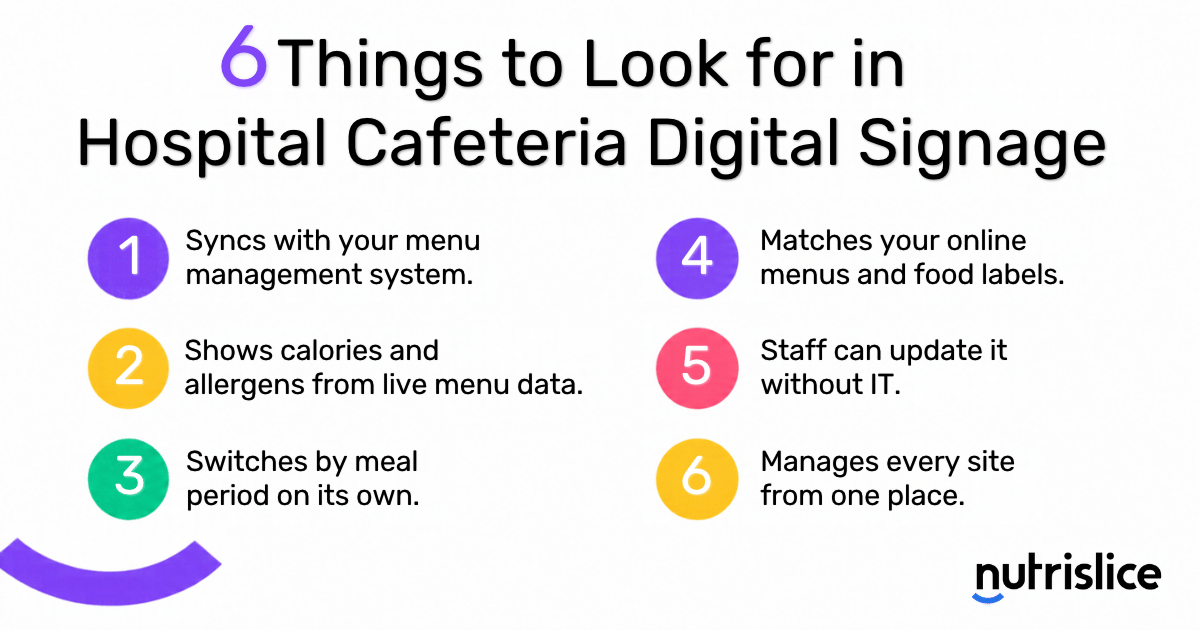
1. It Syncs With Your Menu Management System
Your recipes, nutrition, and allergen data already live in a menu management system such as Computrition or Illumia (formerly CBORD). The signage should pull from it automatically. If the vendor's answer is a template you fill in, your team will be retyping the menu.
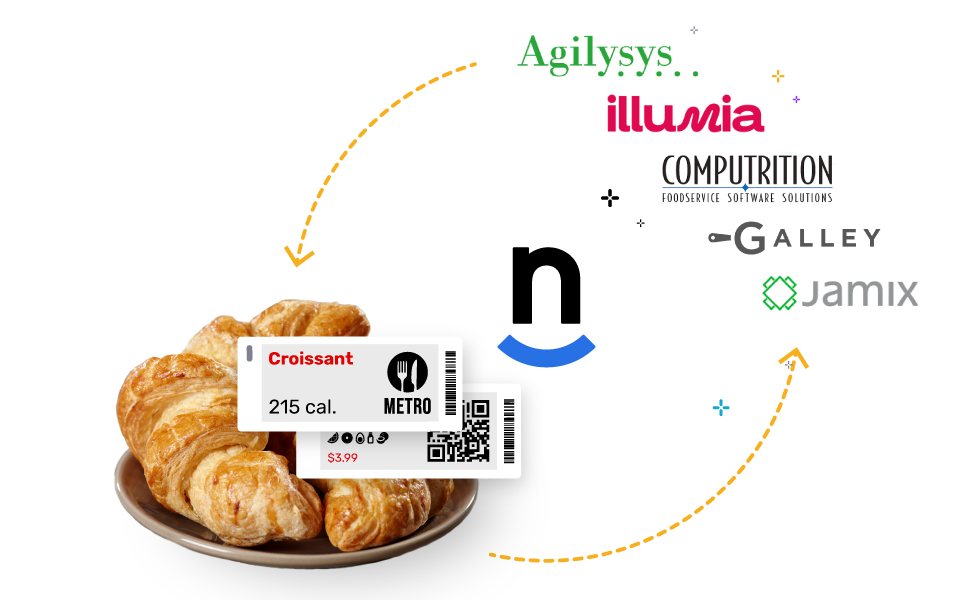
2. It Shows Calories and Allergens From Live Data
Many signage tools can display calories and allergens. The question to ask is where those values come from. If they are typed into a design, they will drift from the recipe. If they come from the menu data, they update when the recipe does.
3. It Switches by Meal Period on Its Own
Breakfast, lunch, dinner, and late-night menus should change on schedule without anyone touching the screens. Cycle menus should roll forward automatically too.
4. It Matches Your Online Menus and Food Labels
A nurse who checks the menu on a phone before walking down should see the same items and the same allergen details on the board and on the label at the station. That only happens reliably when all three read from one source. Our post on digital labels in healthcare foodservice shows where labels fit.
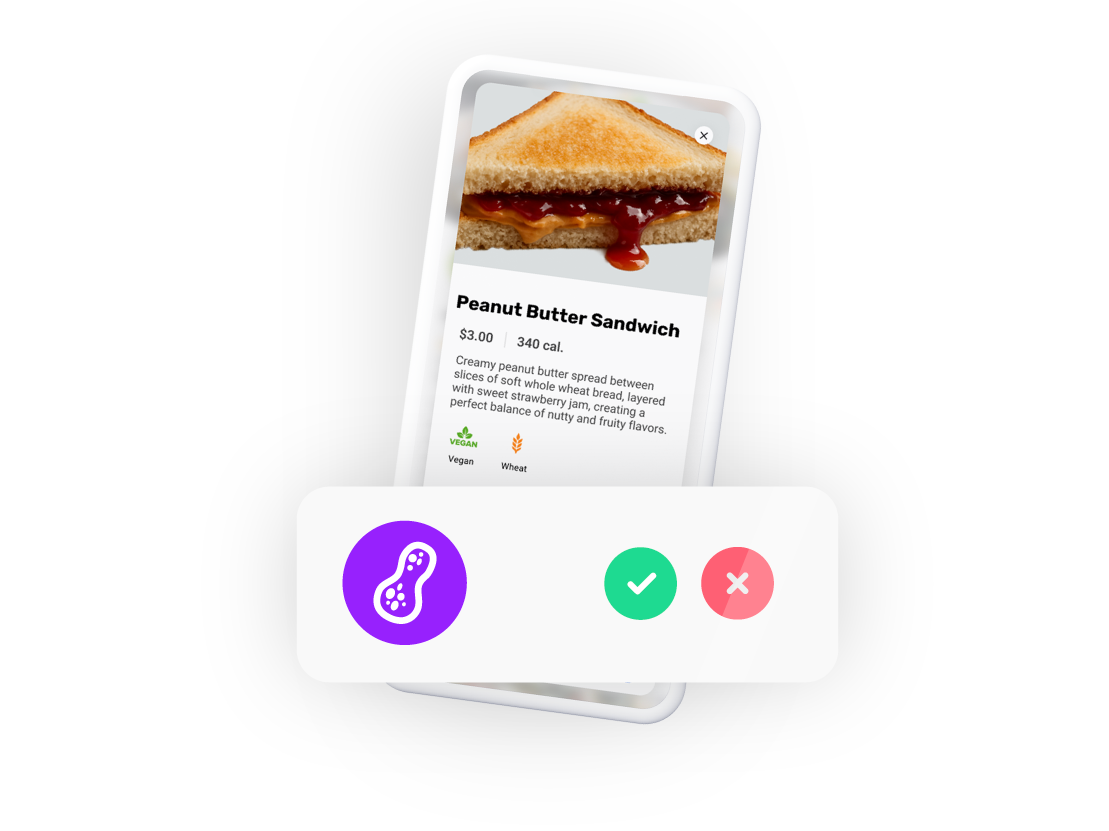
5. Staff Can Update It Without IT
Items run out during service. A supervisor should be able to pull an item from a phone or tablet and see it leave the screen. Hospital IT teams are stretched, so daily changes should not depend on them.
6. It Manages Every Site From One Place
Health systems need central control of brand and layout with room for each hospital to run its own menus. Ask how the platform handles many sites and who can change what. For more questions to bring to a vendor, see our top 7 questions about digital signage in foodservice.
How Do the Leading Options Compare?
The chart below is based on each vendor's public product pages as of November 2026. "Not stated publicly" means we could not confirm it on those pages; ask the vendor directly.
| Nutrislice Showcase | Yodeck | ScreenCloud | OptiSigns | Mvix | MealSuite | |
|---|---|---|---|---|---|---|
| Built for | Noncommercial foodservice, including healthcare retail dining | General signage; lists hospital cafeterias as a use | General signage | General signage | General signage | Foodservice, with a senior living focus |
| Where menu content comes from | Synced from your menu management system | Templates and manual updates | Templates and manual updates | Templates; sync with restaurant POS systems | Templates; updates from restaurant POS systems | MealSuite's own menu system |
| Calories and allergens | Yes, from the same menu data | Can be shown; data source not stated publicly | Not stated publicly | Can be shown; data source not stated publicly | Can be shown; data source not stated publicly | Nutrition facts shown; allergen display not stated publicly |
| Meal-period scheduling | Yes, with menu cycles | Yes | Not stated publicly | Yes | Yes | Shows the current meal |
| Online and mobile menus from the same data | Yes (Essentials) | Not stated publicly | Not stated publicly | Not stated publicly | Not stated publicly | Offers menu microsites |
| Digital food labels from the same data | Yes (Spotlight) | Not stated publicly | Not stated publicly | Not stated publicly | Not stated publicly | Not stated publicly |
| Public pricing | By quote | Published per screen | Published per screen | Published per screen | Published license price | By quote |
The general-purpose platforms are good products with published per-screen pricing, broad hardware support, and strong tools for announcements and wayfinding. If you need a few screens for static content, they are a reasonable choice. The gap shows up when the content is a hospital menu: their menu boards start from templates or a restaurant point-of-sale system, not from a healthcare menu management system. MealSuite does feed boards from menu data, but from its own system, and its focus is senior living.
It is also worth knowing that the menu management vendors hospitals already use, Illumia (formerly CBORD) and Computrition, do not show a menu board product of their own on their public pages. They connect to display partners, and both list Nutrislice.
Why Do Hospitals Choose Nutrislice for Cafeteria Signage?
Nutrislice for healthcare is the only option in the chart that puts menu boards, online menus, and digital food labels on one set of menu data pulled from your menu management system. Nutrislice does not replace that system. It displays what is in it.
- Nutrislice Showcase broadcasts your existing menu data to screens in real time, with scheduling by meal period and menu cycle. Staff can update menus from the dining floor with the Sidekick app.
- Nutrislice Essentials publishes the same data as online and mobile menus with allergen and diet filters.
- Nutrislice Spotlight puts digital food labels at the station and in grab-and-go coolers, showing calories and allergen icons.
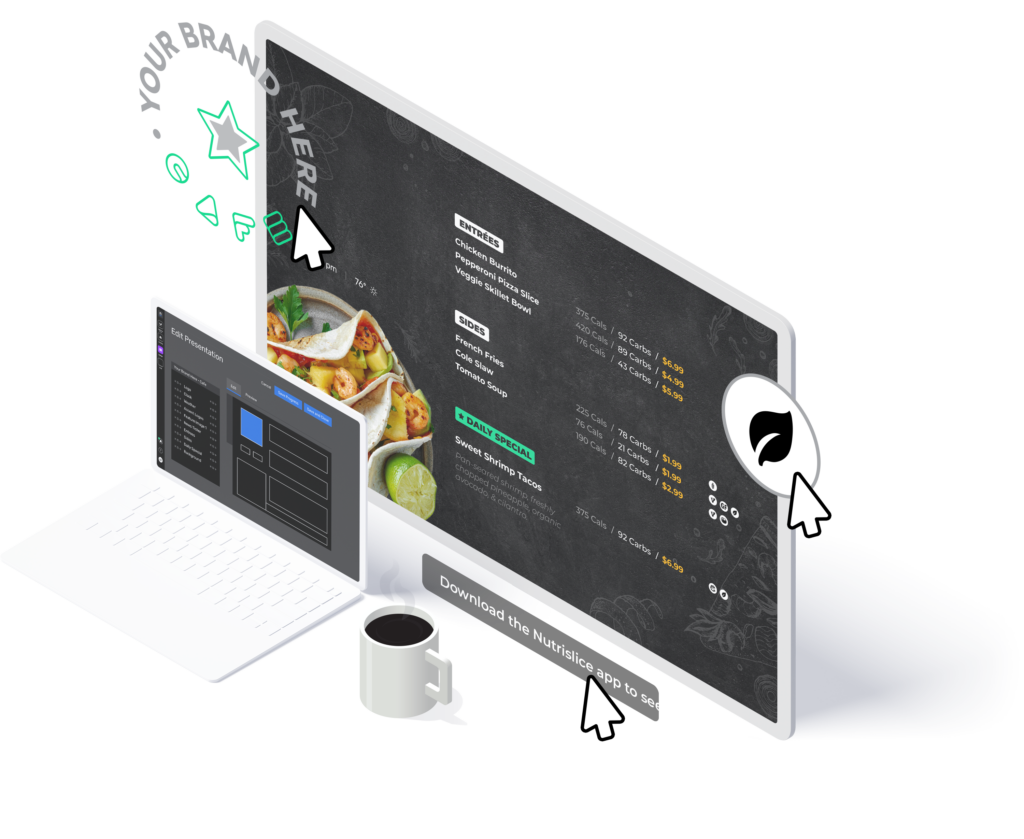
Nutrislice can also supply media player kits that arrive set up for Showcase and can manage installation. For the wider picture beyond screens, see our guide to the best digital menu software for hospitals and health systems and 4 reasons digital signage helps foodservice operations.
FAQ: Hospital Cafeteria Digital Signage
What is the best digital signage for hospital cafeterias?
The best digital signage for hospital cafeterias pulls menus, calories, and allergens from your menu management system and keeps screens, online menus, and labels in step. Nutrislice Showcase is built for that.
Can we use the general signage software our hospital already has?
You can, and it works well for announcements. For menus, someone will need to rebuild or edit content whenever the menu changes, and allergen details will depend on manual entry.
Do hospital cafeterias have to show calories on menu boards?
It depends. The FDA rule covers establishments that are part of a chain with 20 or more locations under the same name, which can include cafeterias run by a contract operator. In-patient only foodservice is not covered. Check with your compliance team.
Is this for patient meal ordering?
No. Nutrislice serves hospital retail dining: cafés, cafeterias, coffee shops, and grab-and-go. It is not an in-room patient meal ordering system.
Bottom Line: Pick Signage That Runs on Your Menu Data
Any signage platform can put a menu on a screen. The right hospital cafeteria digital signage keeps that menu accurate without extra work, because it reads from the data your team already maintains. Use the six points above to compare your options, and when you are ready to see it running, request a Nutrislice demo.